
Remove
Cut out subjects and clean up what does not belong
Start with background removal for products and portraits, then erase distracting objects, text overlays, or watermarks without rebuilding the image by hand.
Try background remover
RemoveLayer offers free online background removal for signed-in users, plus focused AI tools for object and text cleanup.
No design experience required. Review every result before download.
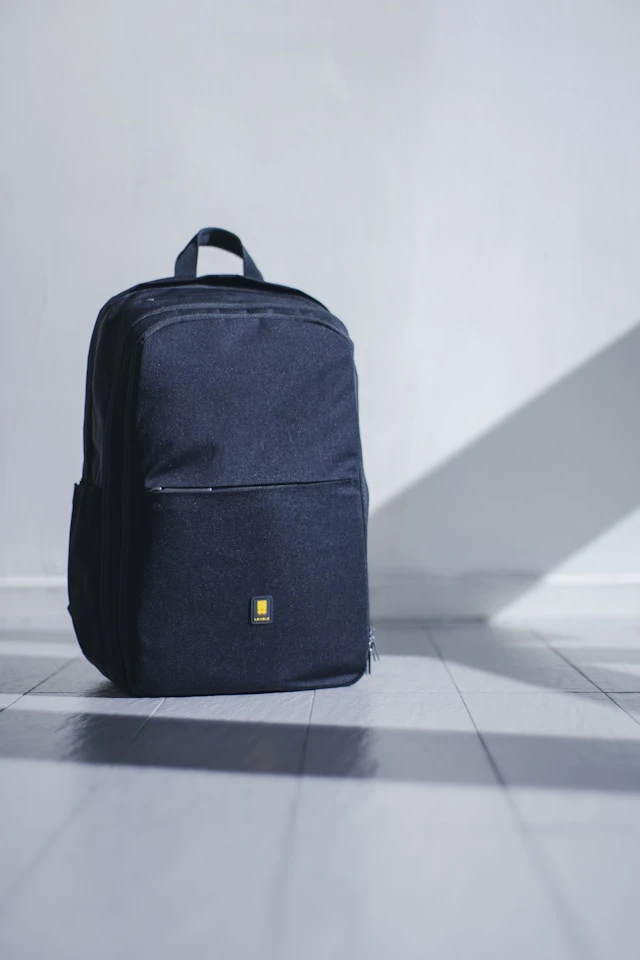
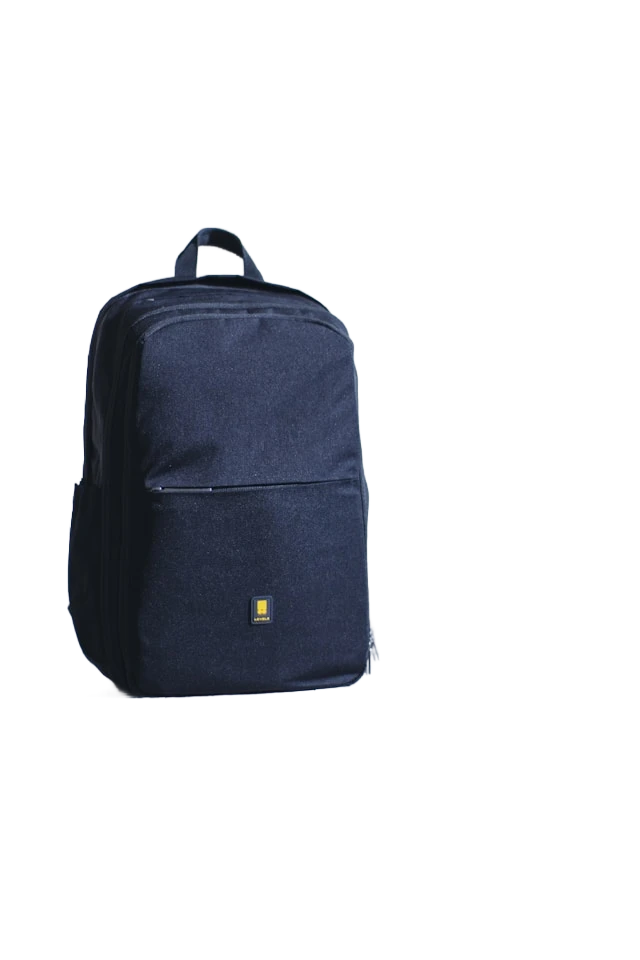
Background removal preview
Product cutout with transparent export
Try it now
Try RemoveLayer free online after sign-in. Isolate the subject, inspect edges, choose a transparent or solid backdrop, and export the result.
No layers panel or manual selection tools. Each workflow keeps the next action obvious.
Choose a product shot, portrait, logo, or everyday photo from your device.
Remove backgrounds, erase objects or text, sharpen details, or blur the backdrop.
Compare the result, adjust the background when needed, and export a ready-to-use file.
Case gallery
Explore before-and-after examples of backgrounds, objects, and text removed with AI.
Product photo
Turn a busy product photo into a clean transparent cutout for listings, catalogs, and ads.
Remove
Start with background removal for products and portraits, then erase distracting objects, text overlays, or watermarks without rebuilding the image by hand.
Try background removerEdit
Restore clarity in blurry photos, soften busy backdrops behind portraits, or brush away small areas with AI reconstruction — all from the same focused toolkit.
Browse editing tools
Why RemoveLayer
RemoveLayer turns everyday image tasks into short AI workflows — upload, preview the result, and export when it looks right.
Each workflow handles a single outcome — remove a background, erase an object, clean text, or sharpen a photo — instead of a blank canvas.
Start with the result you need
Compare the original and result, inspect edges, and choose transparency or a solid background before you download.
Approve the image before you pay
Uploads and AI jobs stay tied to your account. Credits are charged only when a job completes successfully — failed runs are not billed.
Built for repeat image work
Remove backgrounds, objects, text and unwanted elements with AI-powered precision. Used by creators, marketers and online sellers around the world.
Thousands
Images processed
A practical image cleanup workflow for daily creative and business work.
50+
Countries reached
Built for global creators, marketers, designers and ecommerce sellers.
Fast
AI processing
Focused workflows keep the path from upload to usable output simple.
Business
Ready outputs
Use results for storefronts, ads, social content, decks and client work.
AI image toolkit
Start with the task, not a blank canvas. Each tool is designed around one clear image outcome.
Built for real workflows
Whether you sell online, publish content, or prepare brand assets, RemoveLayer keeps the next step obvious.
“I need listing photos that look consistent without spending an hour in Photoshop.”
Remove backgrounds from product shots and export clean PNG cutouts.
“I want to reuse a photo, but there is text or clutter in the way.”
Erase overlays and distracting objects while keeping the scene intact.
“Profile photos and brand assets should look polished, not rushed.”
Prepare portraits, logos, and headshots with focused AI finishing tools.
“I just need one image fixed quickly — not a new app to learn.”
Upload once, run the right tool, review the result, and download.
Use cases
Choose a focused workflow for products, people, or brand assets. Each tool keeps the same simple path from upload to finished image.
Subscribe for the best value on regular image editing. Start with Plus, choose Pro for steady workflows, or move to Max for higher volume.
Credits refresh monthly. Manage or cancel your subscription anytime.
Included models
Secure checkout powered by Stripe
Secure checkout powered by Stripe
Secure checkout powered by Stripe
Secure checkout by Stripe
Your card details are submitted directly to Stripe and never pass through or remain on our servers.
Payment methods for your region
Stripe shows eligible cards and local payment methods based on your region and device.
Only essential billing data
We receive only the payment result and billing details needed to activate and manage your purchase.
30-Day Money-Back Guarantee
Full refund before using paid credits; otherwise, a proportional refund for unused paid credits. Refund terms
What to know before you upload your first image.
Learn how to prepare product photos, clean up images, and choose the right background for your workflow.
 Limpeza de imagens
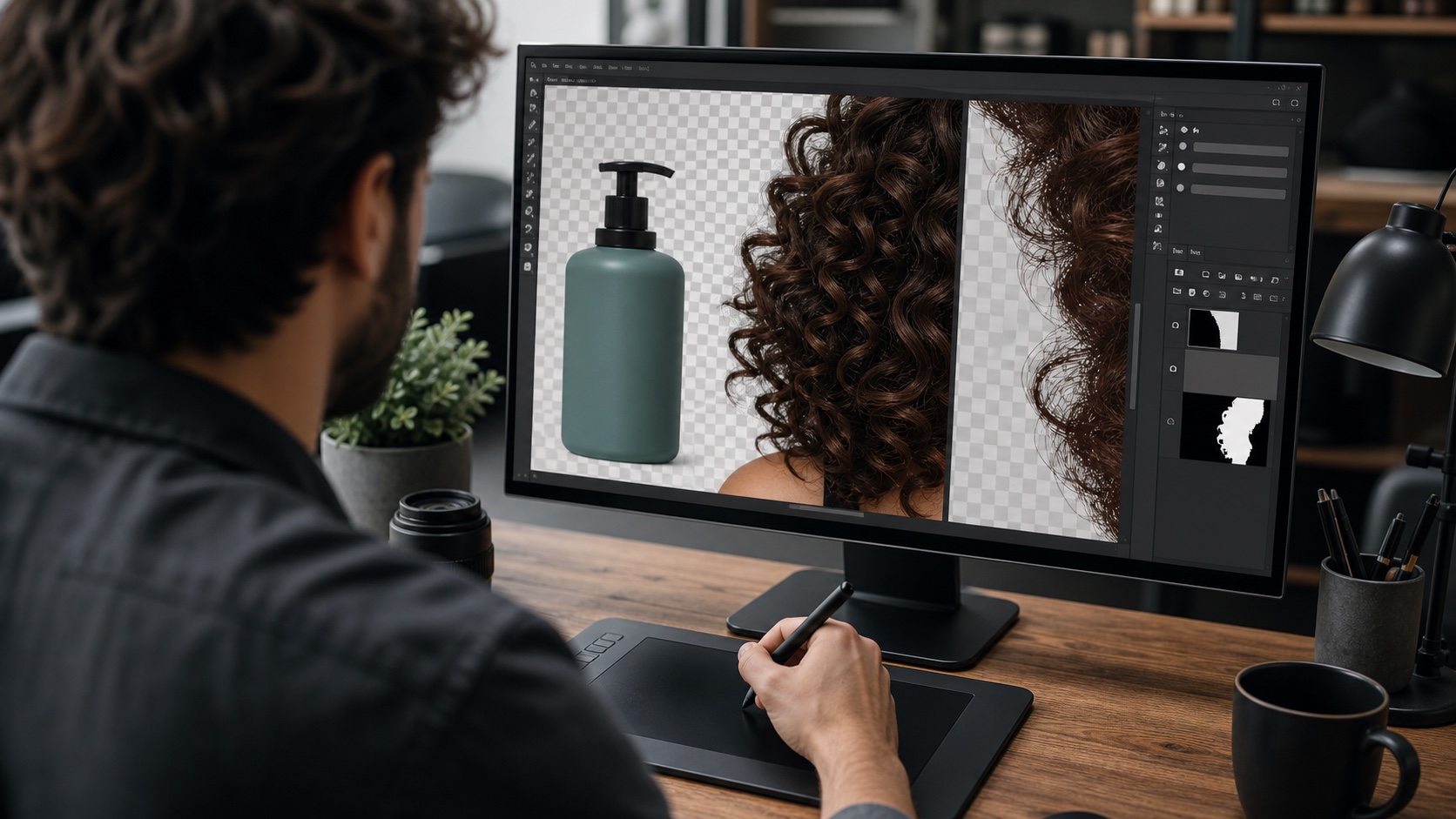 Limpeza de imagens
 Limpeza de imagens
Upload your first photo, remove the background, and continue with focused AI tools built for everyday visual work.