
Screenshot-Bereinigung
KI-Untertitelentferner
Lösche Untertitel, Lower-Thirds und Beschriftungsleisten aus Screenshots und Videoframes.
Beispiel
Ergebnis ansehen
Bereinige Screenshots, indem du Untertitel und andere Texteinblendungen entfernst.
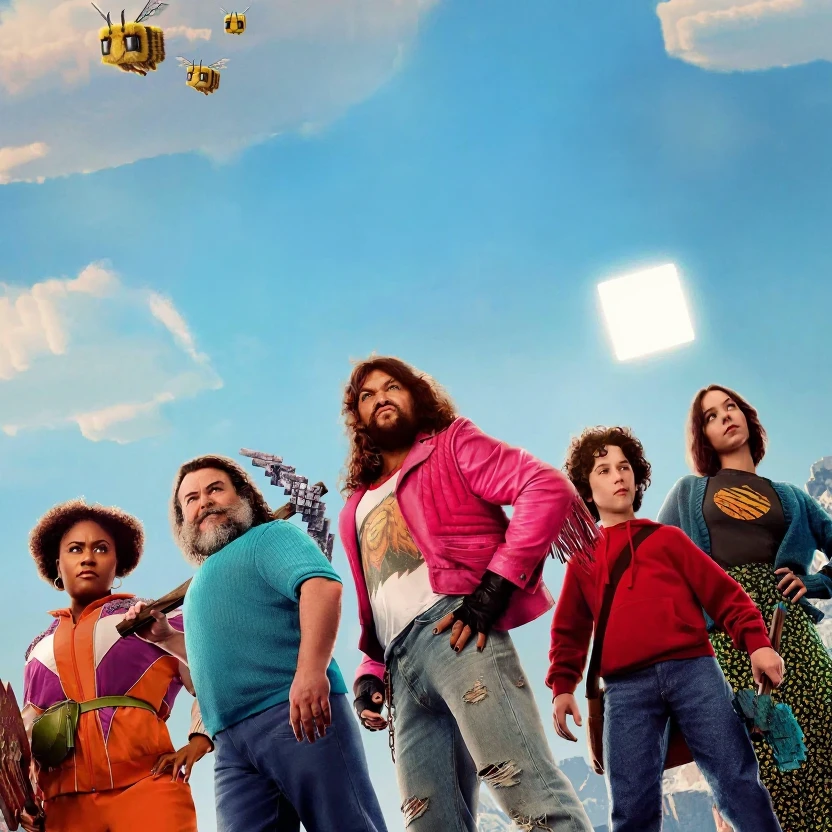
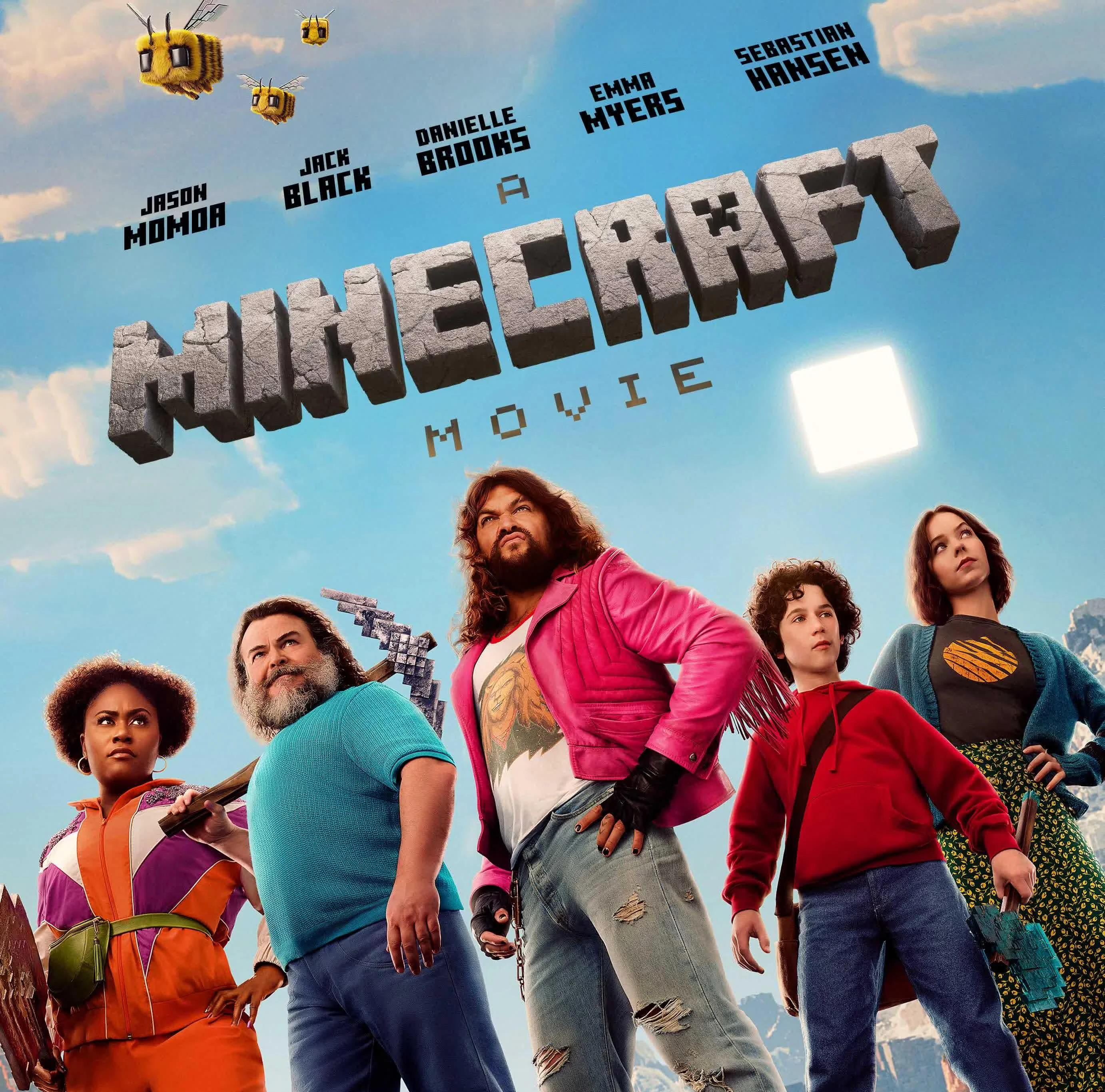
Bereinige Screenshots, indem du Untertitel und andere Texteinblendungen entfernst.
Textentfernungs-Tools
Das passende Textbereinigungstool wählen
Entdecke fokussierte Tools für Untertitel, Overlays, Beschriftungen und Screenshot-Text.
So funktioniert die Textentfernung
Drei Schritte vom Upload bis zum Export. Melde dich zuerst an, damit Uploads und Credits an dein Konto gebunden bleiben.
Bild hochladen
Wähle ein JPG oder PNG von deinem Gerät oder ziehe es per Drag-and-drop in den Arbeitsbereich.
KI-Textentfernung ausführen
Das Modell erkennt sichtbaren Text und rekonstruiert den Bereich dahinter anhand umliegender Bilddetails.
Vergleichen und herunterladen
Prüfe das Vorher-Nachher-Ergebnis am Vergleichsschieberegler und lade das bereinigte PNG herunter.
FAQ zum Textentferner
Häufige Fragen zu Uploads, Textbereinigung und Downloads.
Bereit, es mit deinem Bild auszuprobieren?
Lade ein Foto hoch und lade es herunter, wenn das Ergebnis passt.