
Limpieza de imágenes IA
Eliminador de marcas de agua IA
Limpia insignias visibles en esquinas y marcas de exportación de imágenes IA que tienes permiso para editar.
Ejemplo
Ver el resultado
Limpia una insignia visible en la esquina de una imagen que puedes editar.

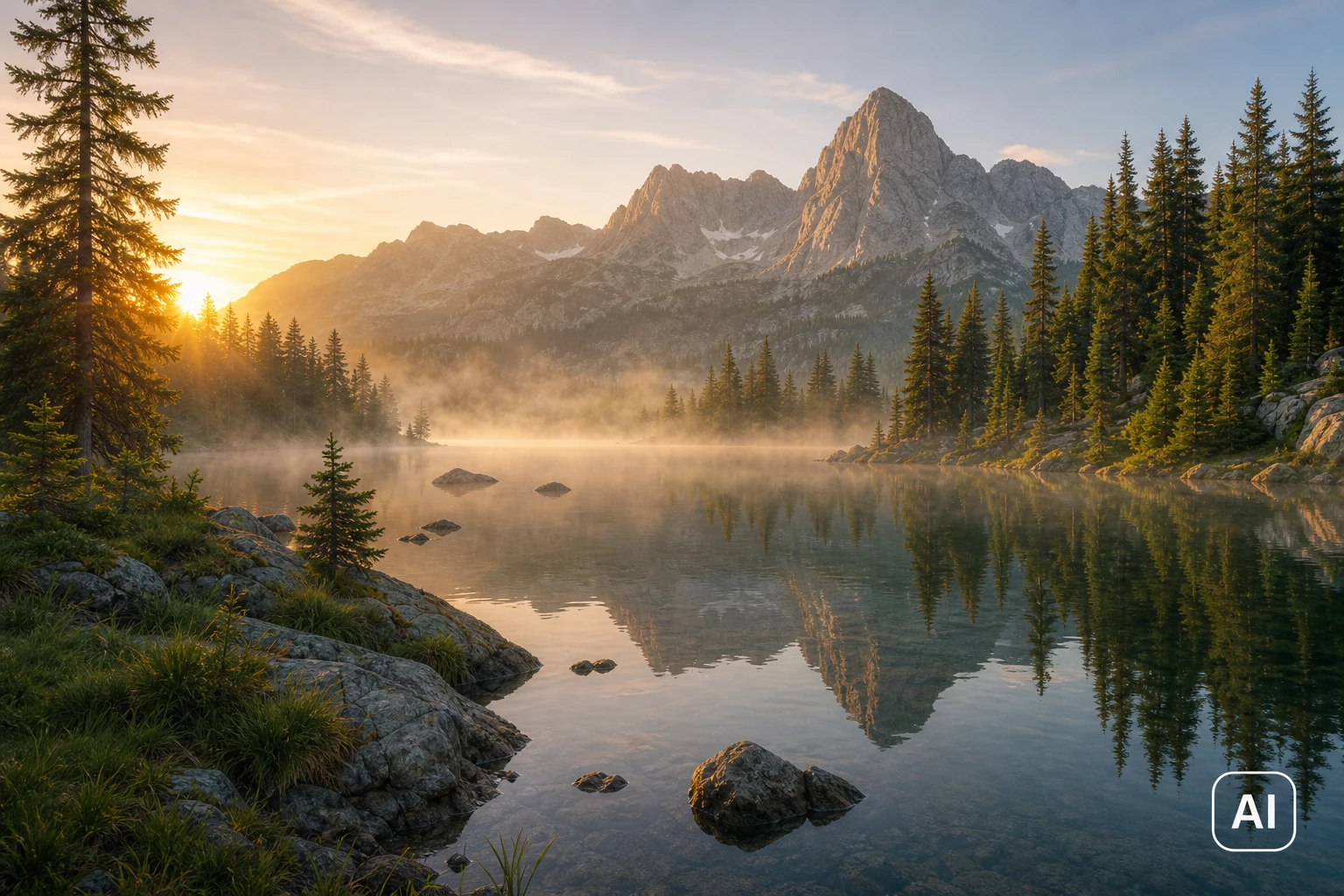
Limpia una insignia visible en la esquina de una imagen que puedes editar.
Herramientas de eliminación de marcas de agua
Elige la herramienta de limpieza de marcas de agua adecuada
Explora herramientas específicas para marcas IA, logos, sellos de foto y vistas previas de stock.
Cómo limpiar una marca de exportación en una imagen IA
Usa la imagen generada completa como contexto para que el modelo reconstruya el área detrás de la insignia visible.
Sube la imagen generada
Elige una imagen generada por IA que sea tuya o que tengas permiso para modificar.
Quita la marca IA visible
Usa el editor IA para eliminar la insignia de esquina, la etiqueta del generador o la marca de exportación visible.
Revisa los detalles reconstruidos
Compara el original y el resultado, sobre todo cuando la marca cubre una cara, texto o una textura fina.
Preguntas frecuentes del eliminador de marcas de agua
Preguntas habituales sobre subidas, uso permitido y descargas.
¿Listo para probarlo con tu imagen?
Sube una foto y descárgala cuando el resultado te convenga.