
Nettoyage de captures d’écran
Suppression de texte de capture d’écran
Nettoyez étiquettes d’interface, boutons et texte d’interface des captures d’applications et diapositives de présentation.
Exemple
Voir le résultat
Effacez légendes, étiquettes et panneaux sans altérer la scène environnante.

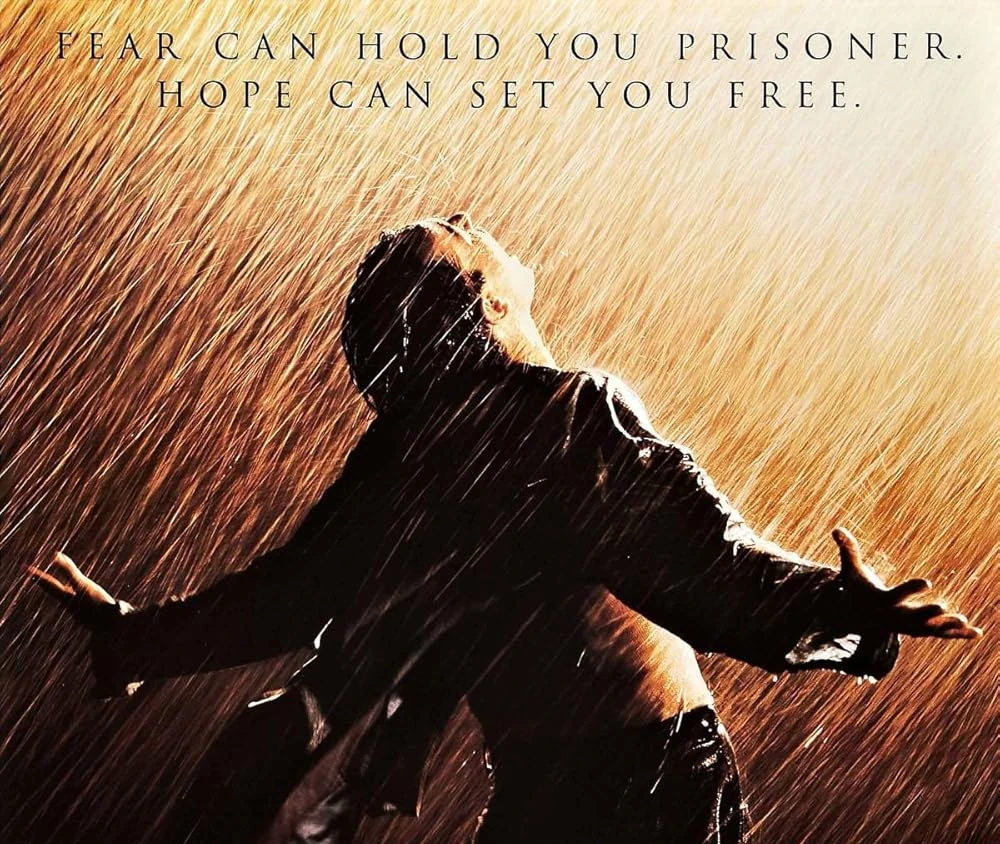
Effacez légendes, étiquettes et panneaux sans altérer la scène environnante.
Outils de suppression de texte
Choisissez le bon outil de nettoyage de texte
Explorez des outils dédiés pour sous-titres, superpositions, légendes et texte de captures d’écran.
Comment fonctionne la suppression de texte
Trois étapes de l’import à l’export. Connectez-vous d’abord pour que les imports et les crédits restent liés à votre compte.
Importez votre image
Choisissez un JPG ou PNG depuis votre appareil, ou glissez-déposez dans l’espace de travail.
Lancez la suppression de texte IA
Le modèle détecte le texte visible et reconstruit la zone derrière en utilisant les détails de l’image environnante.
Comparez et téléchargez
Examinez le résultat avant/après sur le curseur de comparaison, puis téléchargez le PNG nettoyé.
FAQ — Suppression de texte
Questions courantes sur les imports, le nettoyage de texte et les téléchargements.
Prêt à l'essayer sur votre image ?
Importez une photo et téléchargez-la lorsque le résultat vous convient.