
स्क्रीनशॉट क्लीनअप
AI सबटाइटल रिमूवर
स्क्रीनशॉट और वीडियो फ्रेम से सबटाइटल, लोअर-थर्ड और कैप्शन बार मिटाएँ।
उदाहरण
परिणाम देखें
सबटाइटल और दूसरे टेक्स्ट ओवरले हटाकर स्क्रीनशॉट साफ़ करें।
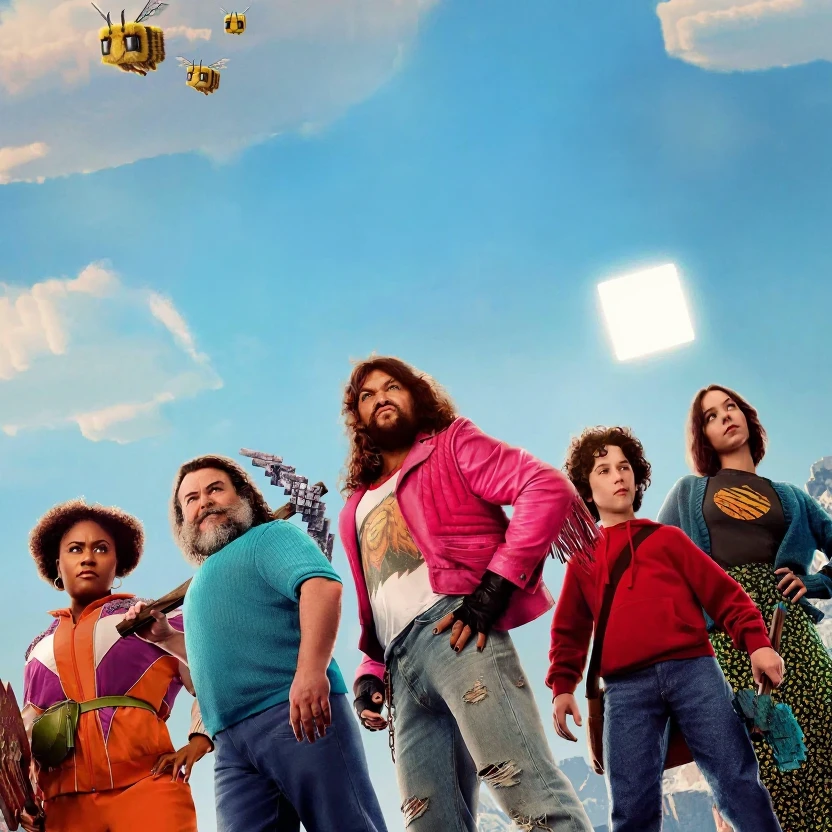
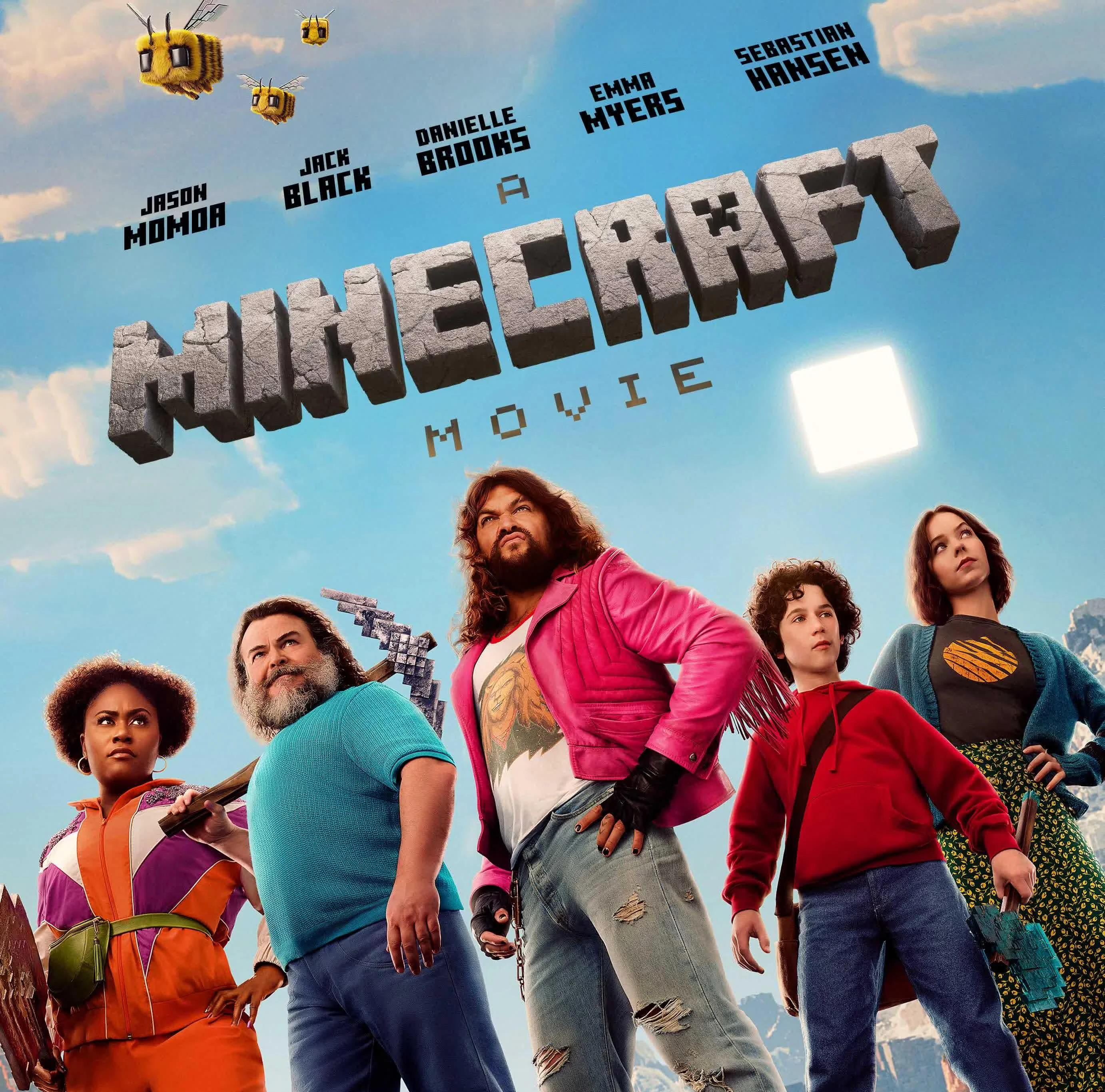
पहलेबाद में
सबटाइटल और दूसरे टेक्स्ट ओवरले हटाकर स्क्रीनशॉट साफ़ करें।
टेक्स्ट रिमूवल टूल
सही टेक्स्ट क्लीनअप टूल चुनें
सबटाइटल, ओवरले, कैप्शन और स्क्रीनशॉट टेक्स्ट के लिए फोकस्ड टूल देखें।
टेक्स्ट रिमूवल कैसे काम करता है
अपलोड से एक्सपोर्ट तक तीन चरण। पहले साइन इन करें ताकि अपलोड और क्रेडिट आपके अकाउंट से जुड़े रहें।
1
अपनी इमेज अपलोड करें
अपने डिवाइस से JPG या PNG चुनें, या वर्कस्पेस में ड्रैग और ड्रॉप करें।
2
AI टेक्स्ट रिमूवल चलाएँ
मॉडल दृश्य टेक्स्ट पहचानता है और आस-पास की इमेज विवरण से उसके पीछे का क्षेत्र पुनर्निर्मित करता है।
3
तुलना करें और डाउनलोड करें
तुलना स्लाइडर पर पहले/बाद का परिणाम देखें, फिर साफ PNG डाउनलोड करें।
टेक्स्ट रिमूवर FAQ
अपलोड, टेक्स्ट क्लीनअप और डाउनलोड के बारे में सामान्य प्रश्न।
अपनी छवि पर आज़माने के लिए तैयार हैं?
फोटो अपलोड करें और जब परिणाम सही लगे तब डाउनलोड करें।