
Pulizia screenshot
Rimozione testo screenshot
Pulisci etichette UI, pulsanti e testo interfaccia da screenshot di app e slide di presentazione.
Esempio
Guarda il risultato
Cancella didascalie, etichette e cartelli preservando la scena circostante.
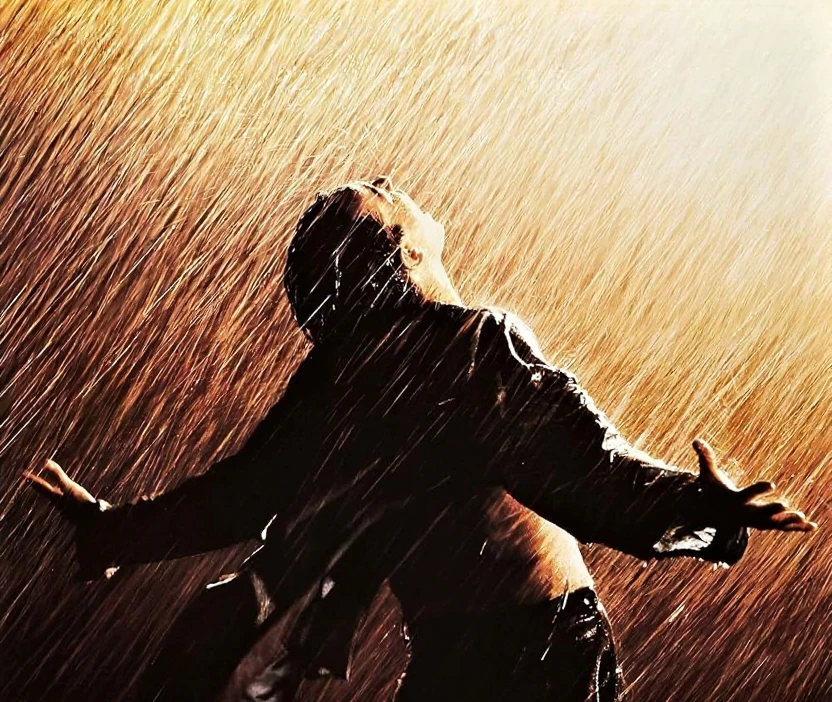
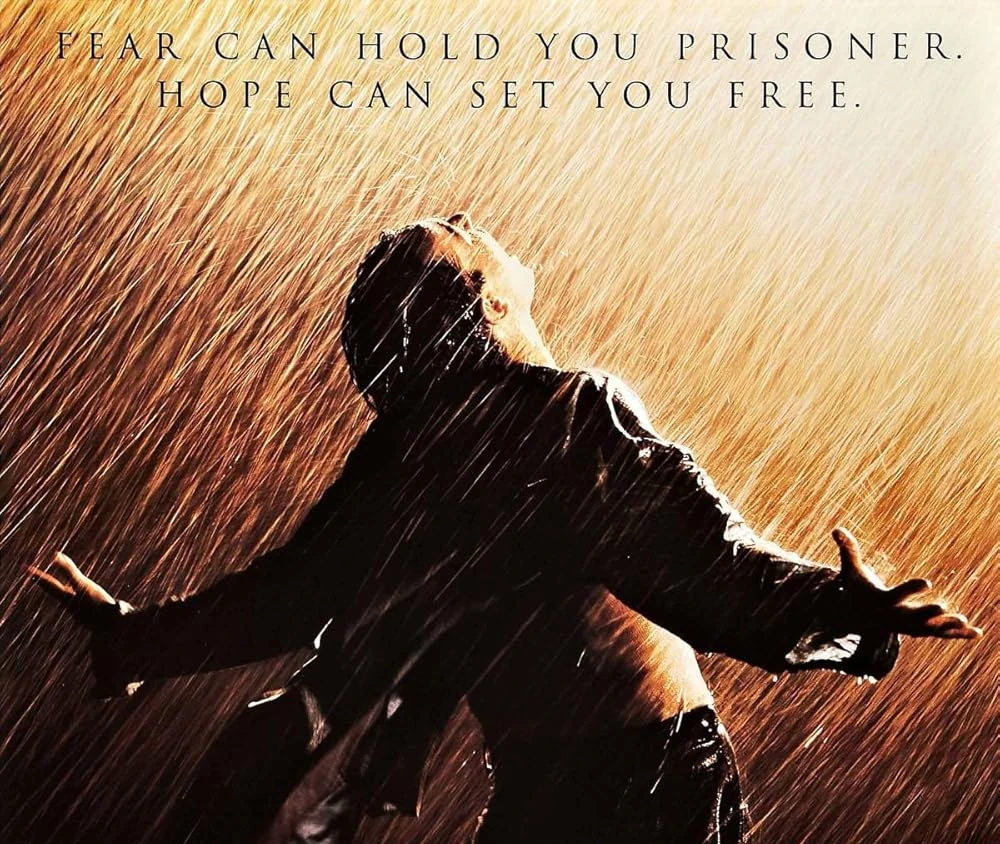
Cancella didascalie, etichette e cartelli preservando la scena circostante.
Strumenti rimozione testo
Scegli lo strumento di pulizia testo giusto
Esplora strumenti dedicati per sottotitoli, overlay, didascalie e testo negli screenshot.
Come funziona la rimozione testo
Tre passaggi dal caricamento all’export. Accedi prima, così caricamenti e crediti restano collegati al tuo account.
Carica la tua immagine
Scegli un JPG o PNG dal tuo dispositivo oppure trascinalo nell’area di lavoro.
Esegui la rimozione testo IA
Il modello rileva il testo visibile e ricostruisce l’area dietro usando i dettagli dell’immagine circostante.
Confronta e scarica
Rivedi il risultato prima/dopo sullo slider di confronto, poi scarica il PNG pulito.
FAQ — Rimozione testo
Domande comuni su caricamenti, pulizia testo e download.
Pronto a provarlo sulla tua immagine?
Carica una foto e scaricala quando il risultato ti soddisfa.