

- Home
- Object Remover
AI photo cleanup
AI Object Remover
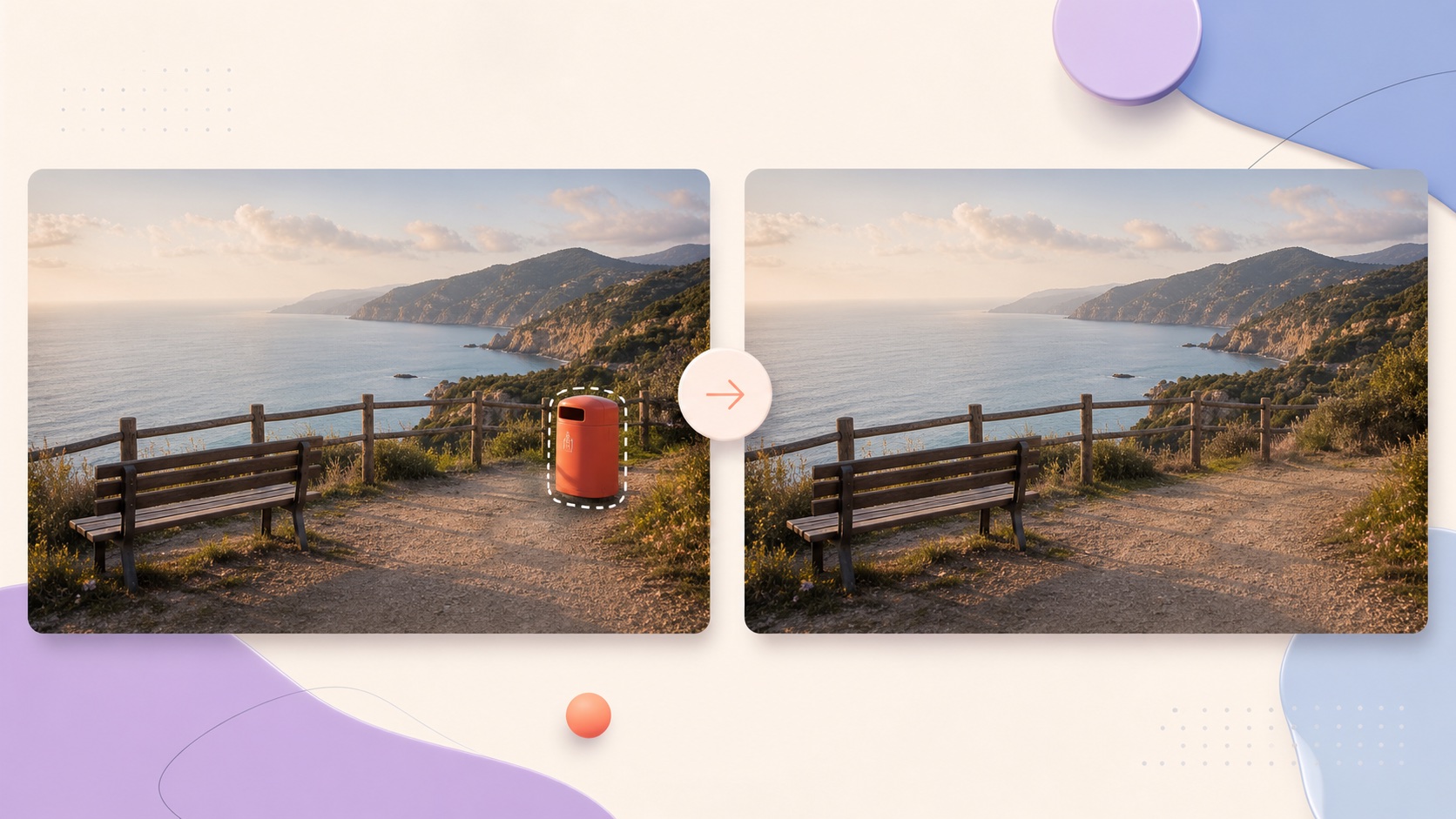
Upload an image, brush over the object to remove, and let AI fill the scene.
Or drop an image here
Object removal tools
Choose the right cleanup tool
Explore focused tools for removing people, tourists, clutter, and unwanted objects from photos.
People Remover
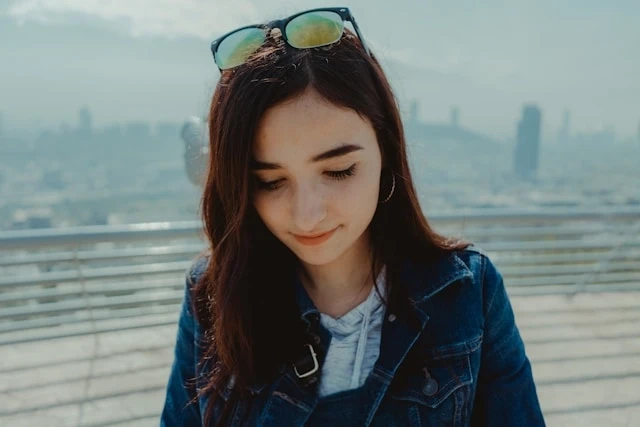
Remove unwanted people from photos while keeping the surrounding scene natural.
Open tool
Tourist Remover
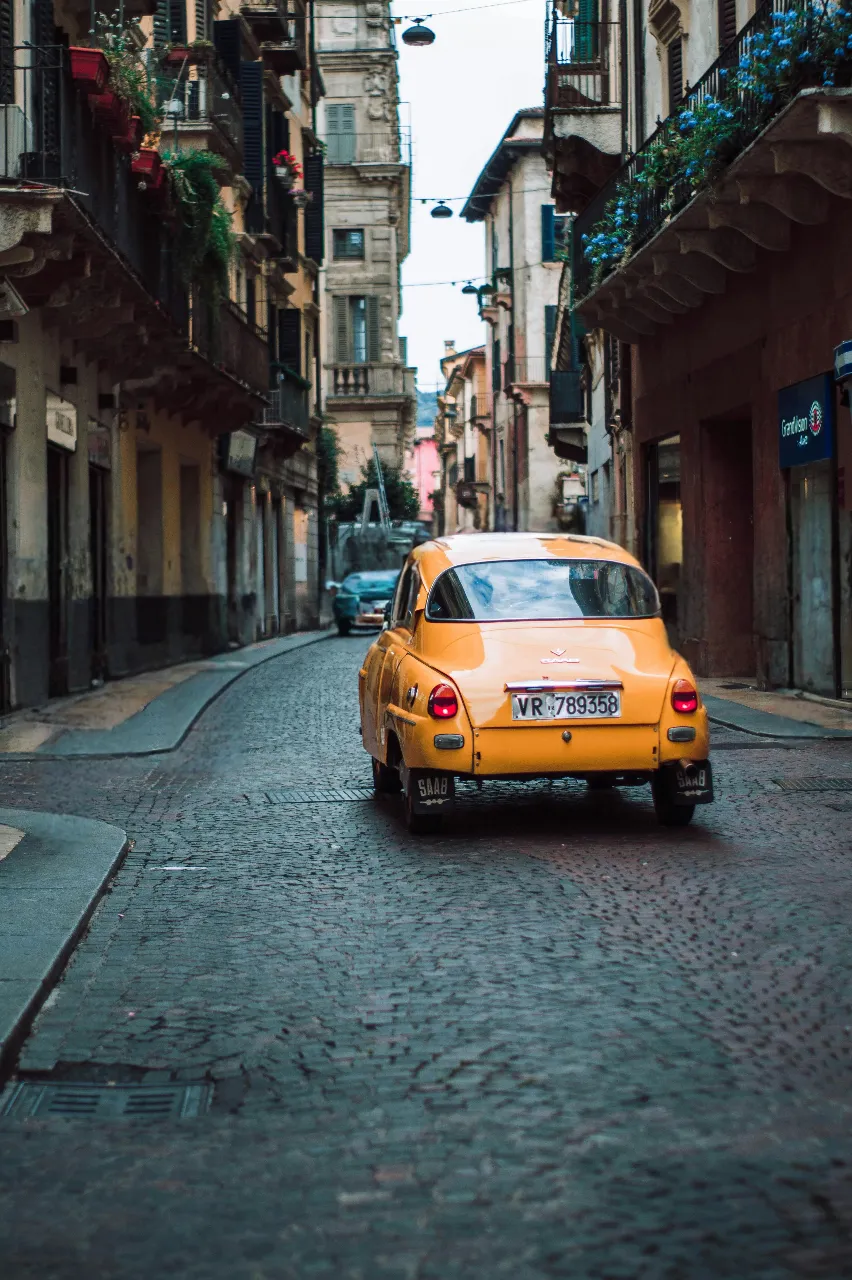
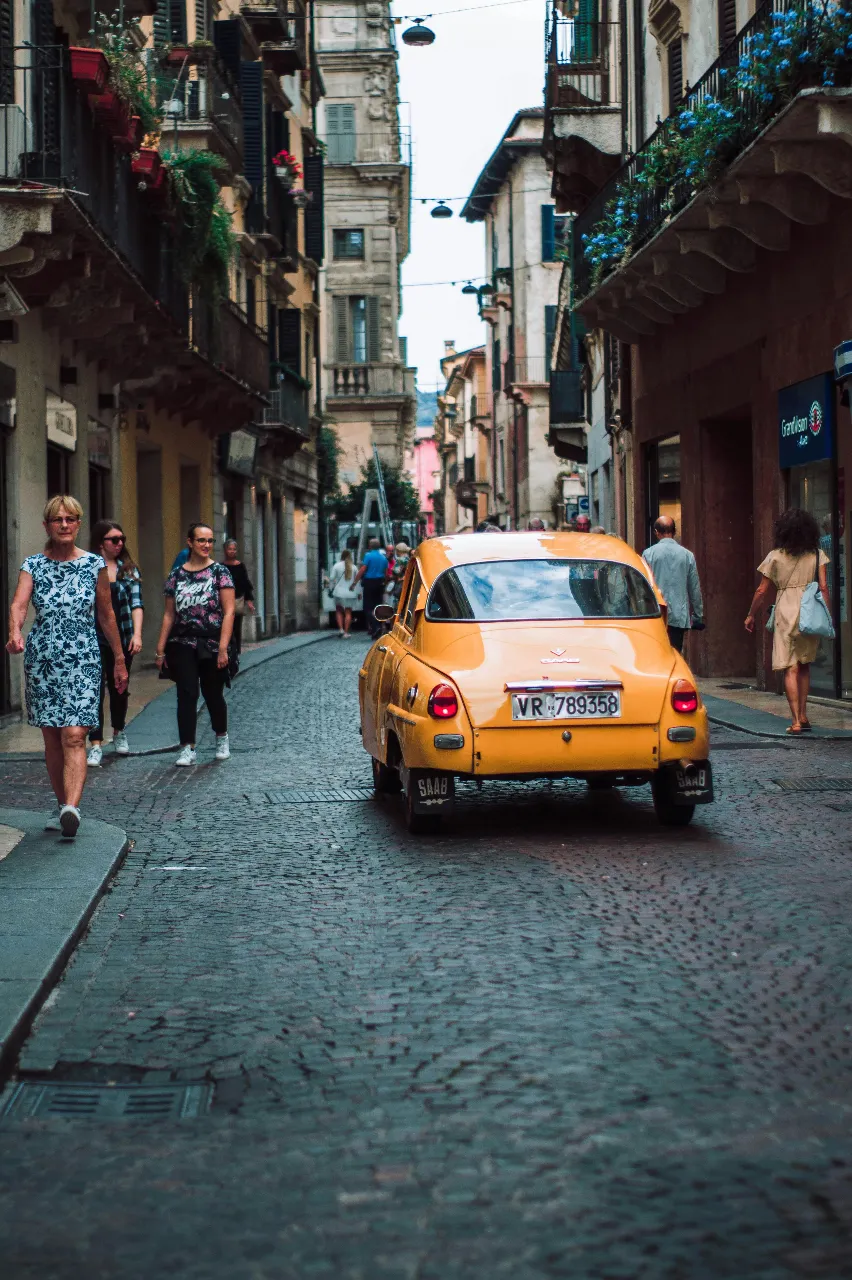
Clear tourists and passersby from travel photos and landmarks.
Open tool
Photo Cleanup
Clean up distractions, clutter, and small imperfections in any photo.
Open tool
Remove Unwanted Objects
Erase distracting objects and restore a cleaner image with AI.
Open tool
How to remove an object from a photo
Clean up an image in three simple steps.
1
Upload your image
Choose the photo you want to edit and wait for it to appear in the workspace.
2
Mark the area to remove
Adjust the brush size, then paint over the unwanted object until the full area is covered.
3
Remove and download
Run the object remover, review the before-and-after result, and download the cleaned image.
Object remover FAQs
Common questions about brushing, processing, and downloading cleaned photos.