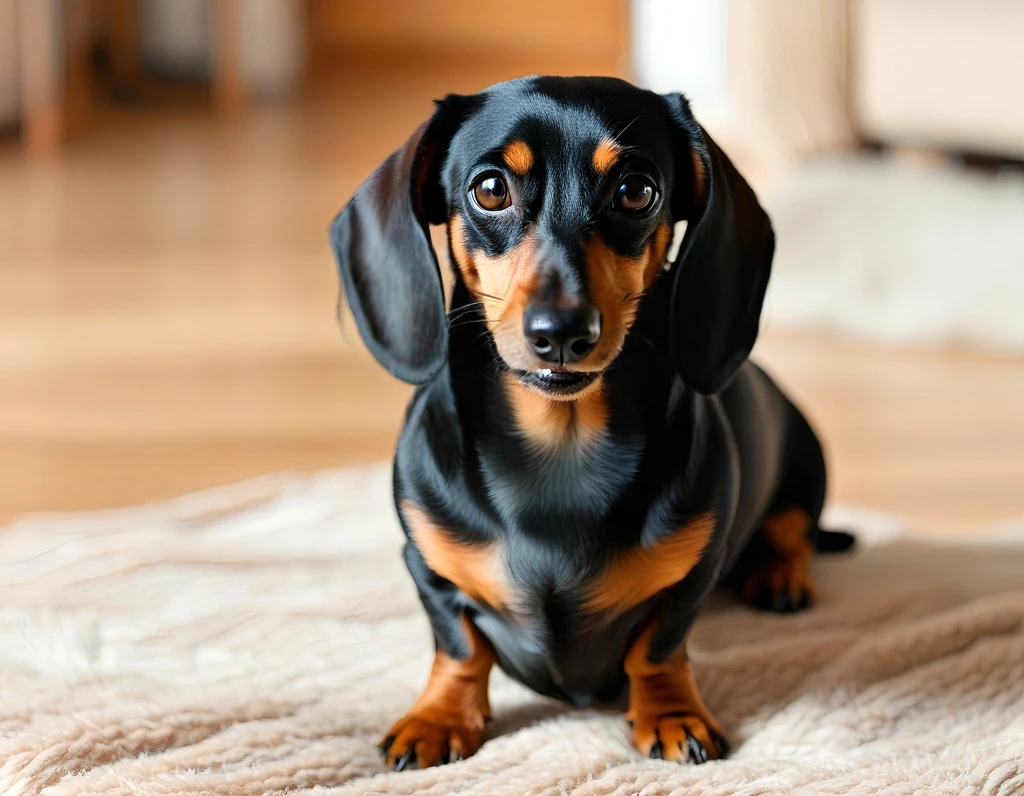
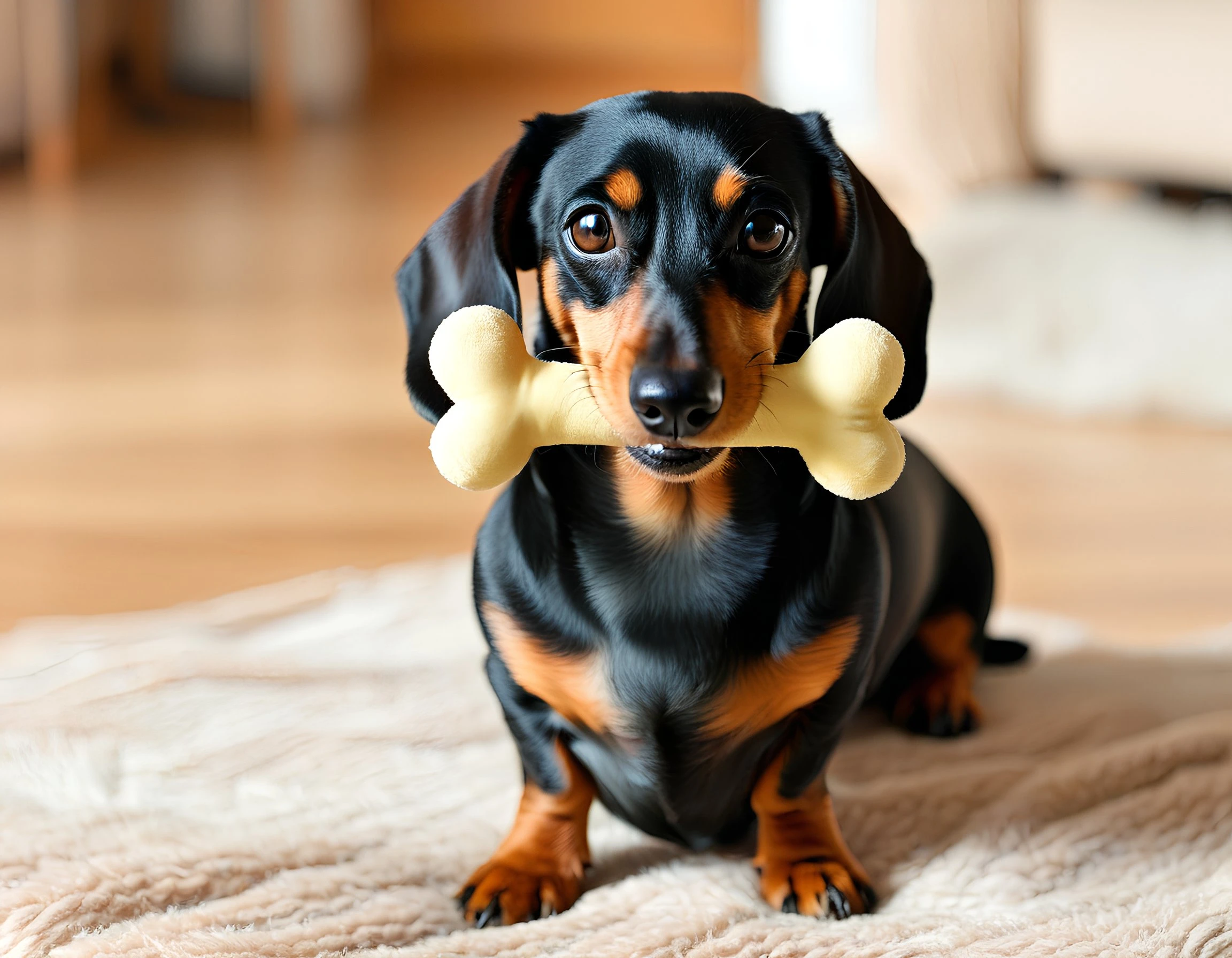
Clean up distractions

AI Photo Cleanup

Brush away clutter, distractions, and small imperfections for a cleaner photo.

Example

See the result

Remove distracting objects from everyday photos before publishing or reusing them.

AfterBefore
BeforeAfter

Remove distracting objects from everyday photos before publishing or reusing them.

How object removal works

Three steps from upload to export. Sign in first so uploads and credits stay tied to your account.

1

Upload your image

Choose a JPG or PNG from your device, or drag and drop into the workspace.

2

Mark the area to remove

Adjust the brush size and paint over the unwanted object, person, or distraction until the full area is covered.

3

Remove and download

Run the object remover, review the before-and-after result, and download the cleaned image.

Object remover FAQs

Common questions about brushing, processing, and downloading cleaned photos.

Ready to try it on your image?

Upload a photo and download when the result looks right.