Screenshot cleanup

AI Subtitle Remover

Erase subtitles, lower-thirds, and caption bars from screenshots and video frames.

Or drop an image here

Example

See the result

Remove subtitles or lower-thirds from a screenshot or frame.

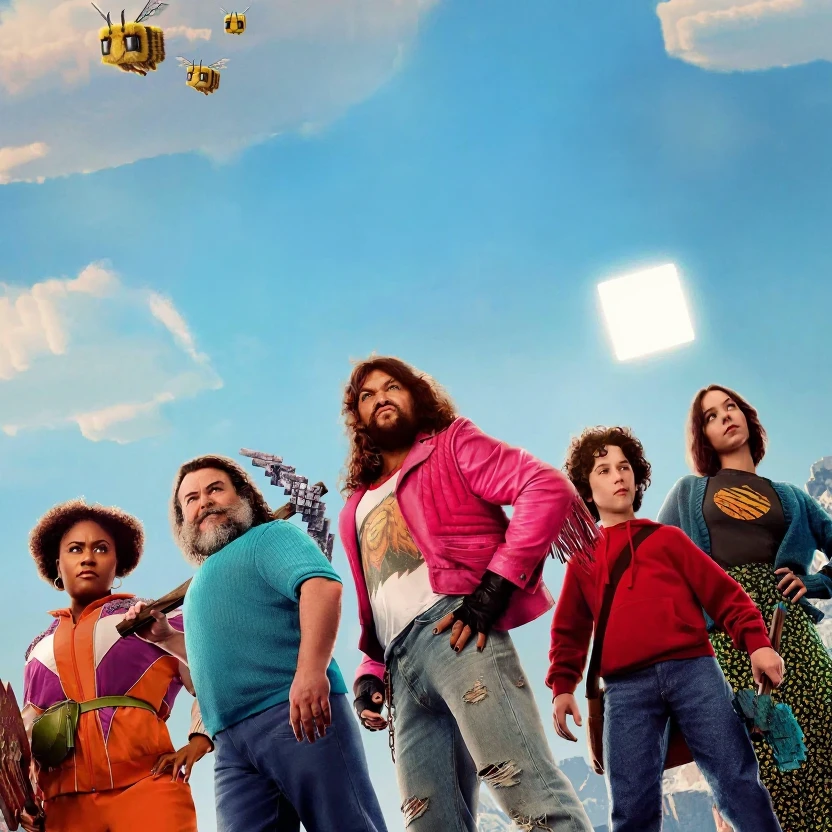
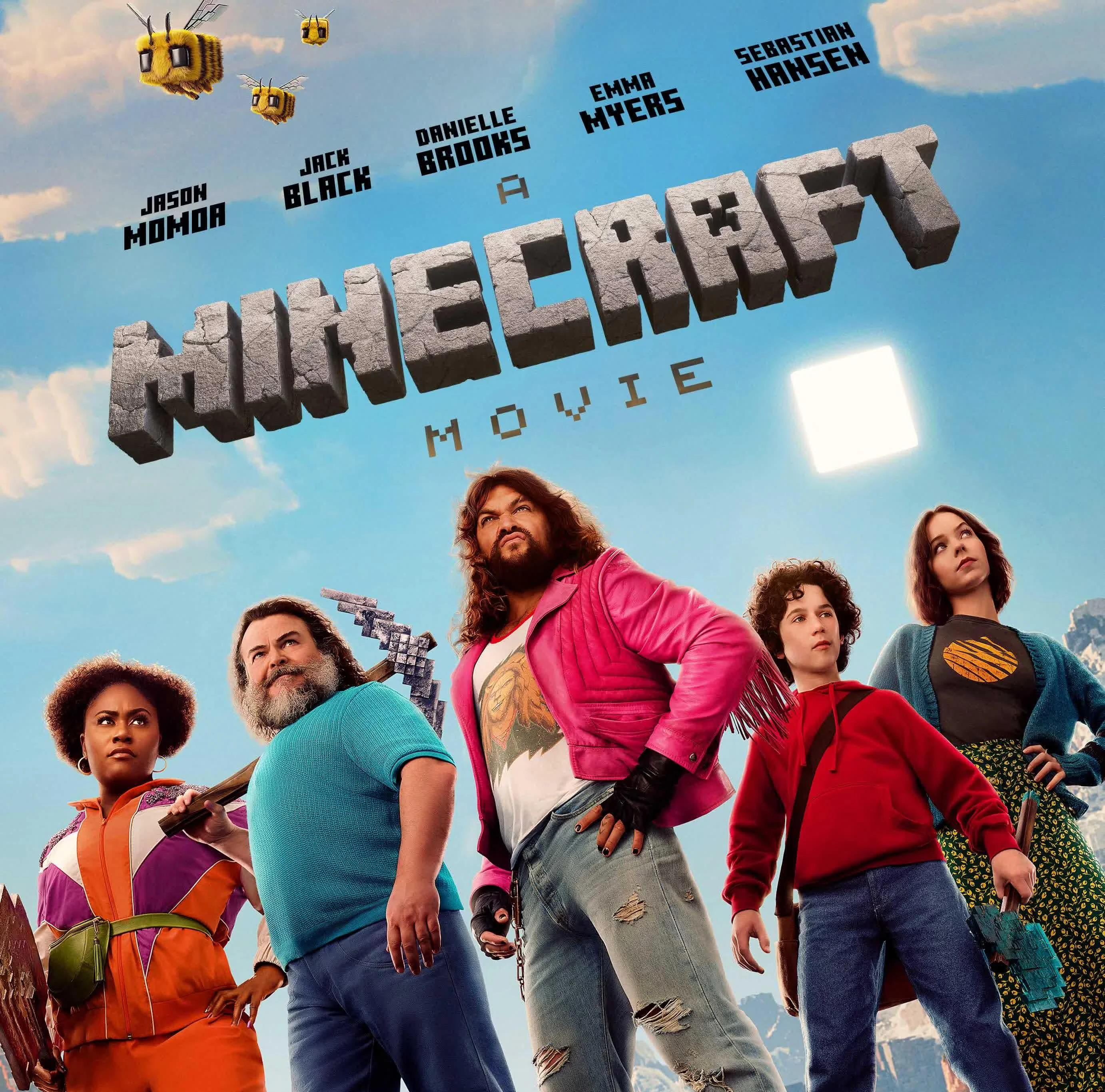
處理前處理後

Remove subtitles or lower-thirds from a screenshot or frame.

How text removal works

Three steps from upload to export. Sign in first so uploads and credits stay tied to your account.

1

Upload your image

Choose a JPG or PNG from your device, or drag and drop into the workspace.

2

Run AI text removal

The model detects visible text and rebuilds the area behind it using surrounding image detail.

3

Compare and download

Review the before-and-after result on the compare slider, then download the cleaned PNG.

Text remover FAQs

Common questions about uploads, text cleanup, and downloads.

準備好處理你的圖片了嗎?

上傳照片,滿意後再下載。