
Old family photos
Add lifelike color to portraits, weddings, reunions, and snapshots from family albums.
Upload a grayscale portrait, family snapshot, or historical scene. AI adds vivid, natural-looking color while preserving the people, places, and details already in your photo.
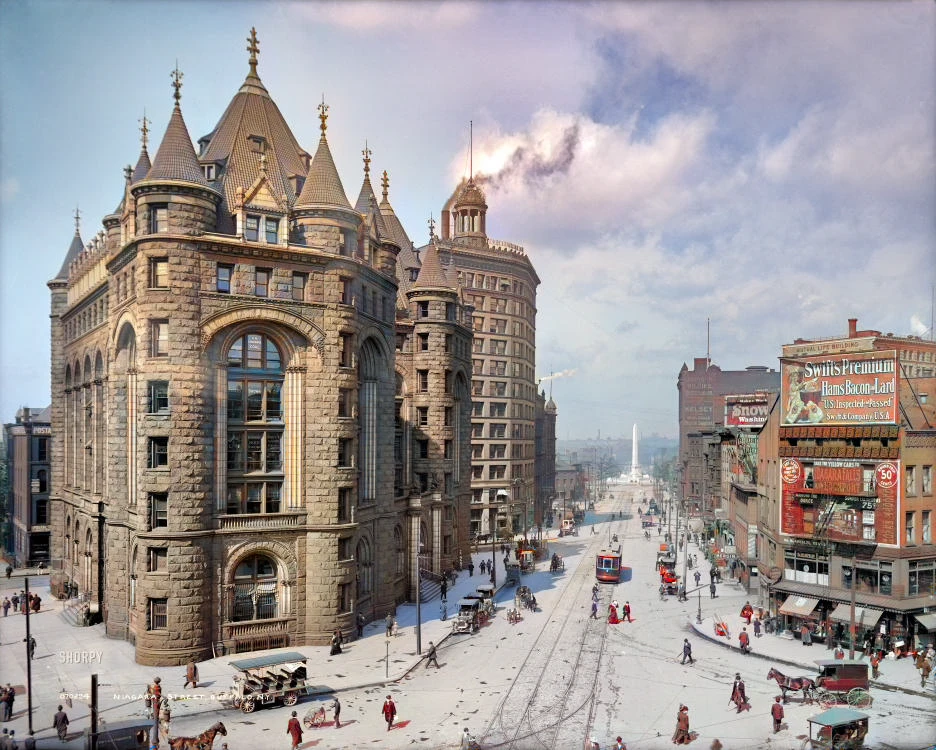
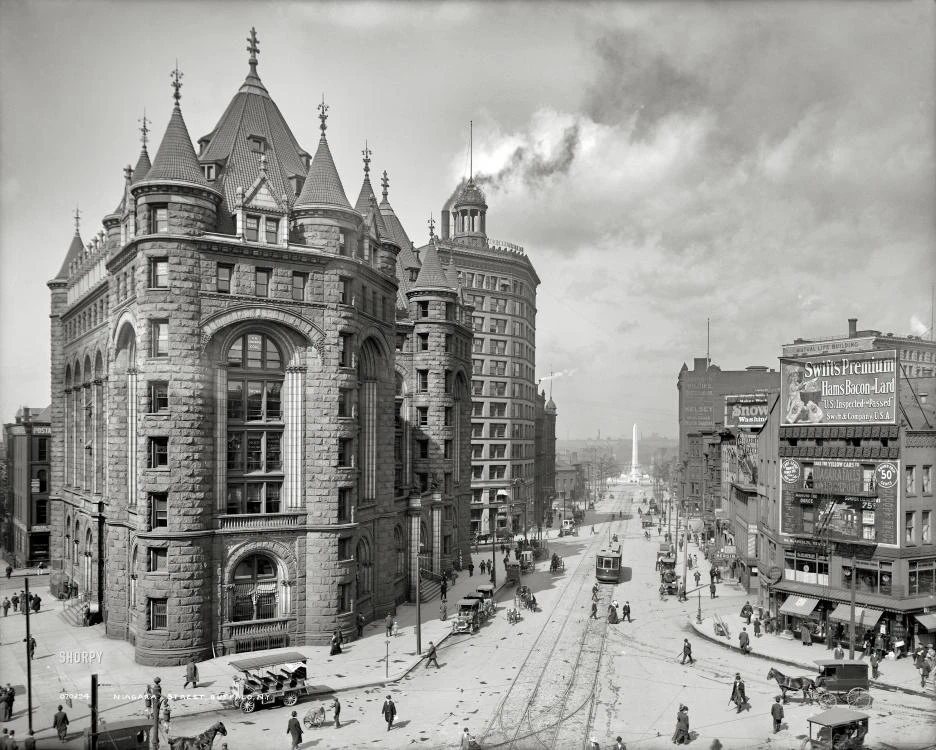
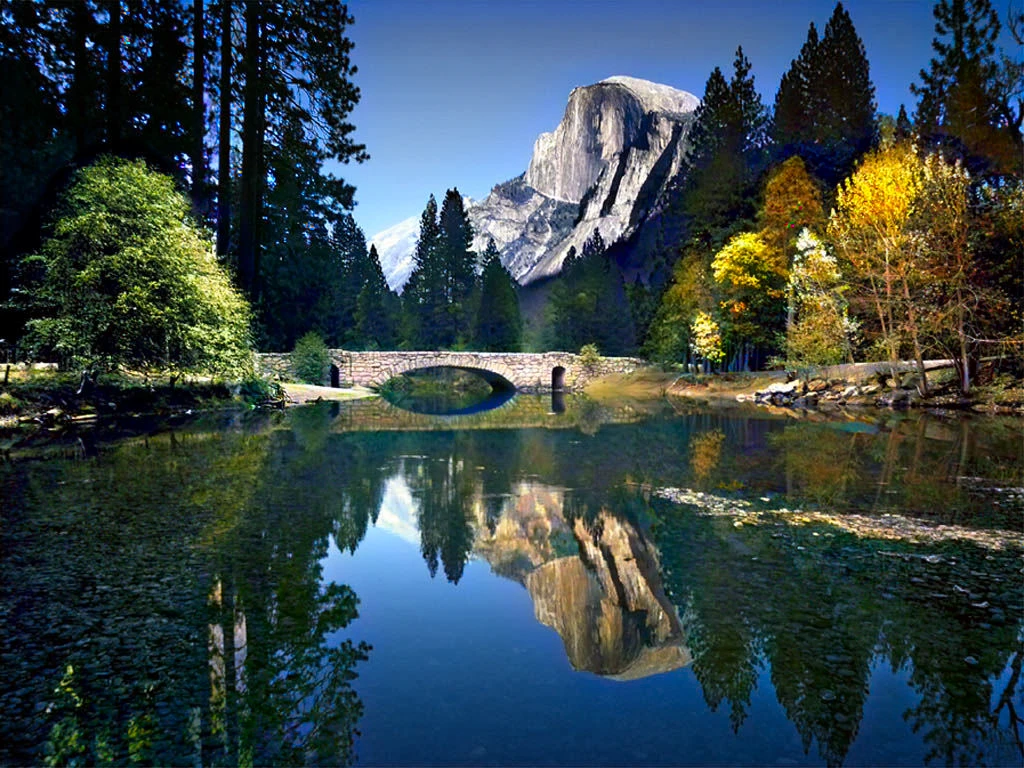
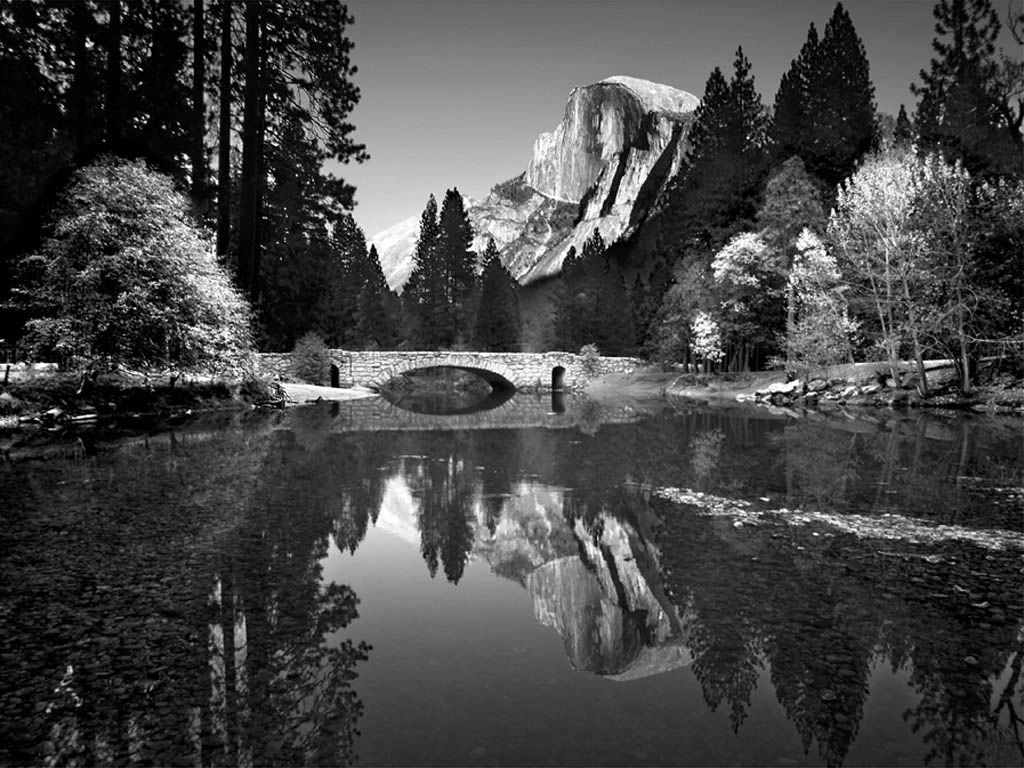
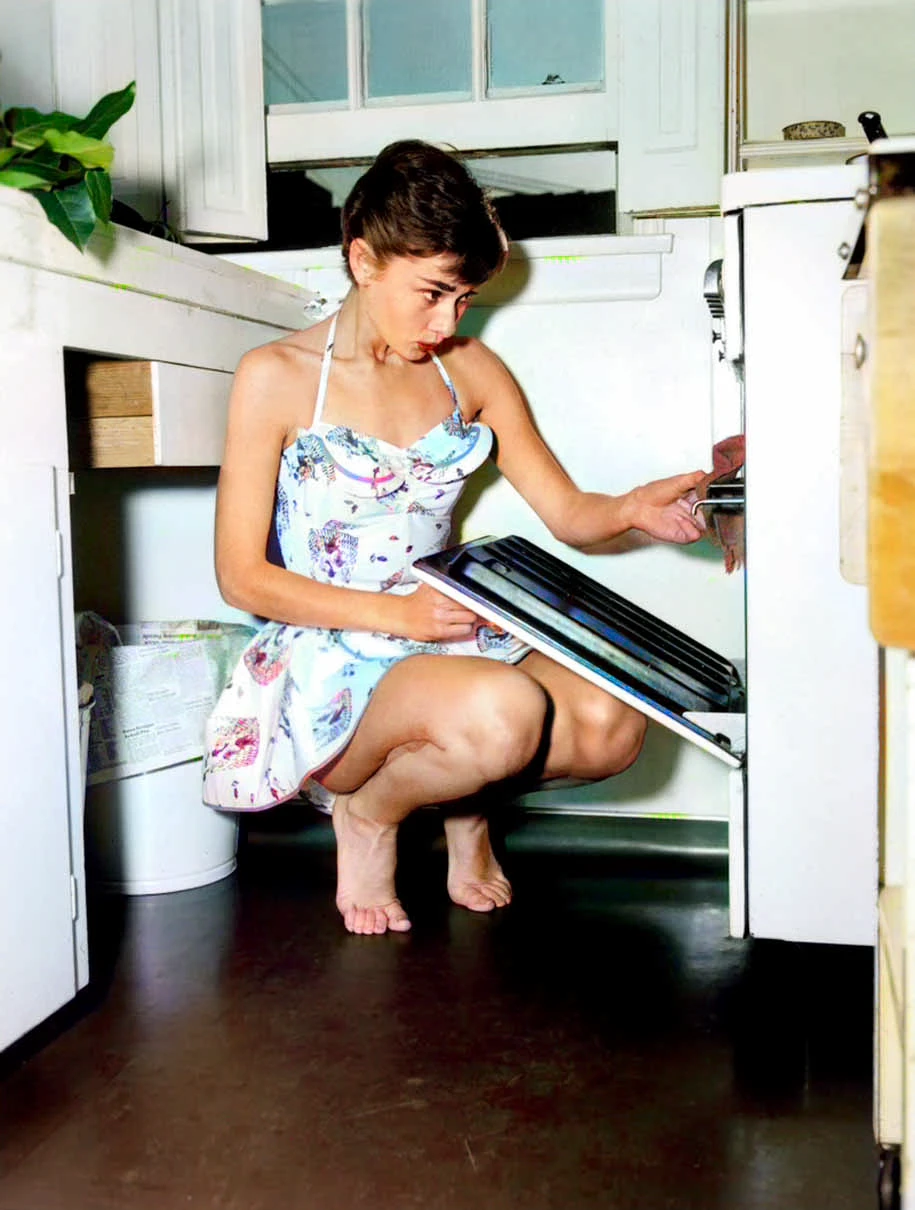
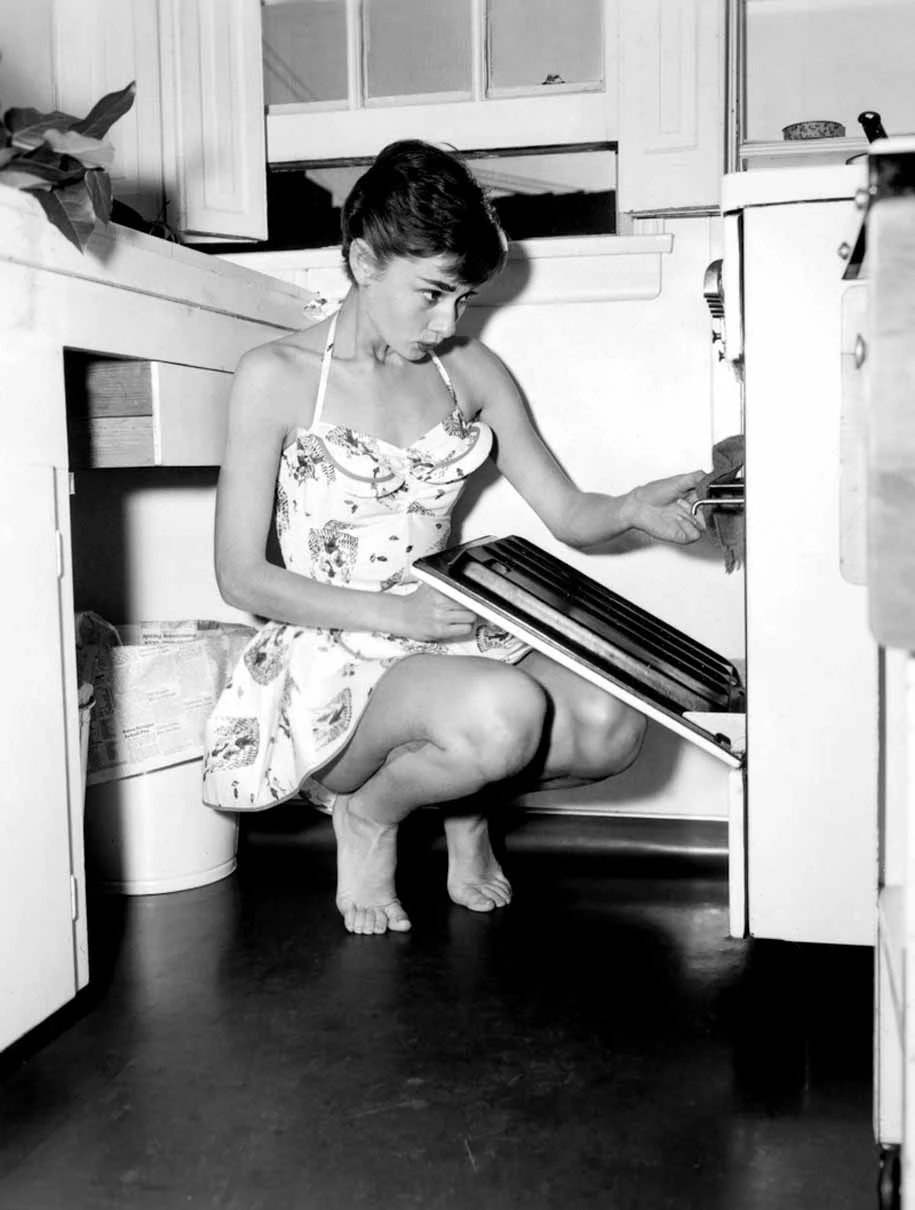
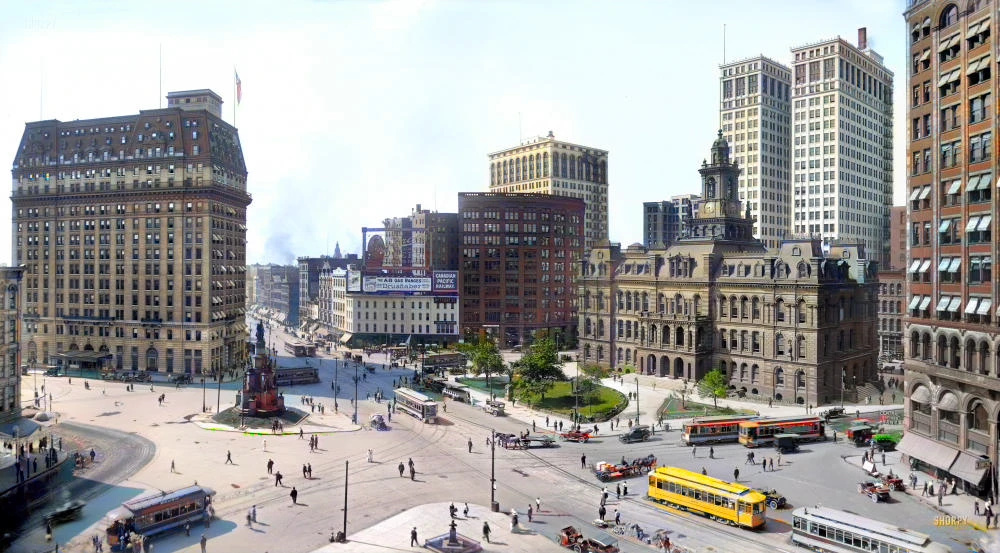
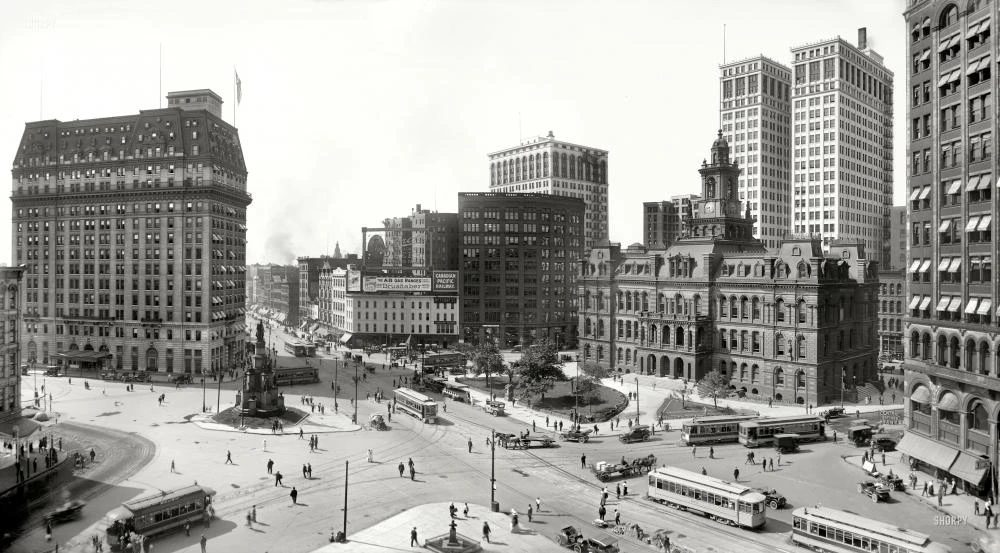
See how black-and-white portraits, landscapes, and city scenes look with natural color. Drag the divider to compare before and after.
Buffalo Bank
Image editing tools
Erase distractions, sharpen blurry shots, or add a polished portrait blur — pick the next step for your image.
Turn a monochrome image into a color photo in three focused steps.
Choose the clearest JPG or PNG you have. Flat scans with good contrast usually work best.
DDColor identifies people, objects, and scenery, then applies context-aware color automatically.
Review the original and colorized result side by side, then download the finished PNG.
A focused colorization workflow for photos you want to revisit, share, or include in a family archive.
Add lifelike color to portraits, weddings, reunions, and snapshots from family albums.
Colorize faces and period clothing while keeping facial structure and composition intact.
Bring skies, plants, buildings, and street scenes into a more immediate visual world.
The model uses scene context to choose plausible colors without prompts or manual masks.
Inspect the result against the source before downloading or sharing it.
No layers, brushes, or desktop editor—upload, colorize, review, and download.
What automatic colorization can do, where it has limits, and how credits work.
More image editing tools
Erase distractions, sharpen blurry shots, or add a polished portrait blur — all in one AI toolkit.
Upload it now and see the people and places in a new light.