
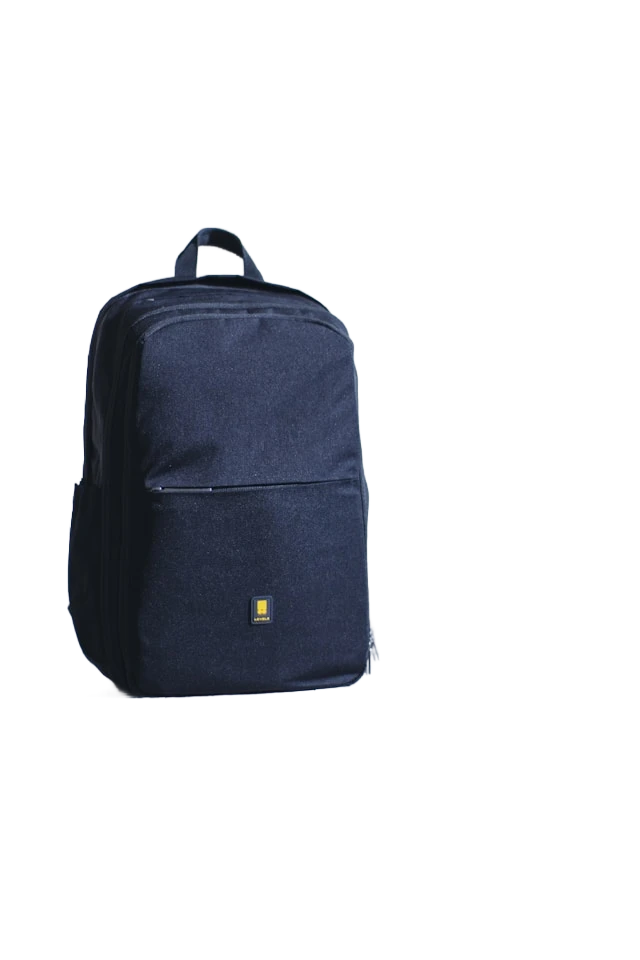
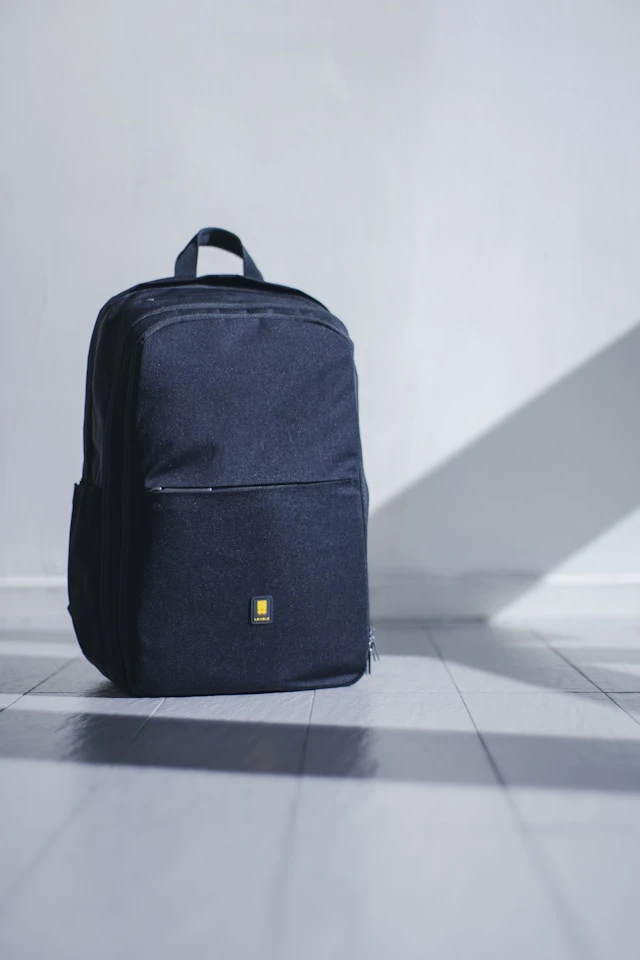


AI edge detection
Remove backgrounds from product photos, portraits, pets, logos, and everyday objects in a single pass without manual masking.
Free online AI tool
Upload a photo, picture, product shot, portrait, or logo. AI isolates the subject so you can preview a transparent, white, or custom backdrop and download a clean PNG.
Examples
Compare before and after results on products, portraits, and logos.
Product photo
Turn a busy product photo into a clean transparent cutout for listings, catalogs, and ads.
Background removal tools
Explore free online background removal workflows tailored to popular image types, marketplaces, and professional profiles.
Three steps from upload to export. Sign in to use the free online background remover and keep uploads tied to your account.
Choose a JPG or PNG from your device, or drag and drop into the workspace. We store it securely for the execution.
The model isolates the subject and returns a transparent cutout. Preview the result on checkerboard, white, or a custom color.
Use before/after compare to inspect edges, then download a transparent PNG or a flattened image on your chosen backdrop.
Turn a clear subject into a reusable cutout, inspect the result, and choose the background that fits where the image will be published.
Remove backgrounds from product photos, portraits, pets, logos, and everyday objects in a single pass without manual masking.
Switch between transparent checkerboard, pure white, or a custom hex color before export.
Drag a slider to inspect cutout quality and catch edge artifacts before downloading.
Download PNGs suitable for e-commerce listings, ads, and social posts.
Clean up headshots and profile photos with the same workflow as product shots.
Export transparent PNGs or flattened images with your selected background color.
Uploads, free access, exports, and account requirements for this tool.
Removal toolkit
Background, object, text, and watermark removal share the same upload-to-download workflow — pick the tool that matches your image.
Tutorials on background removal, transparent PNGs, and listing-ready images.
 Image Cleanup
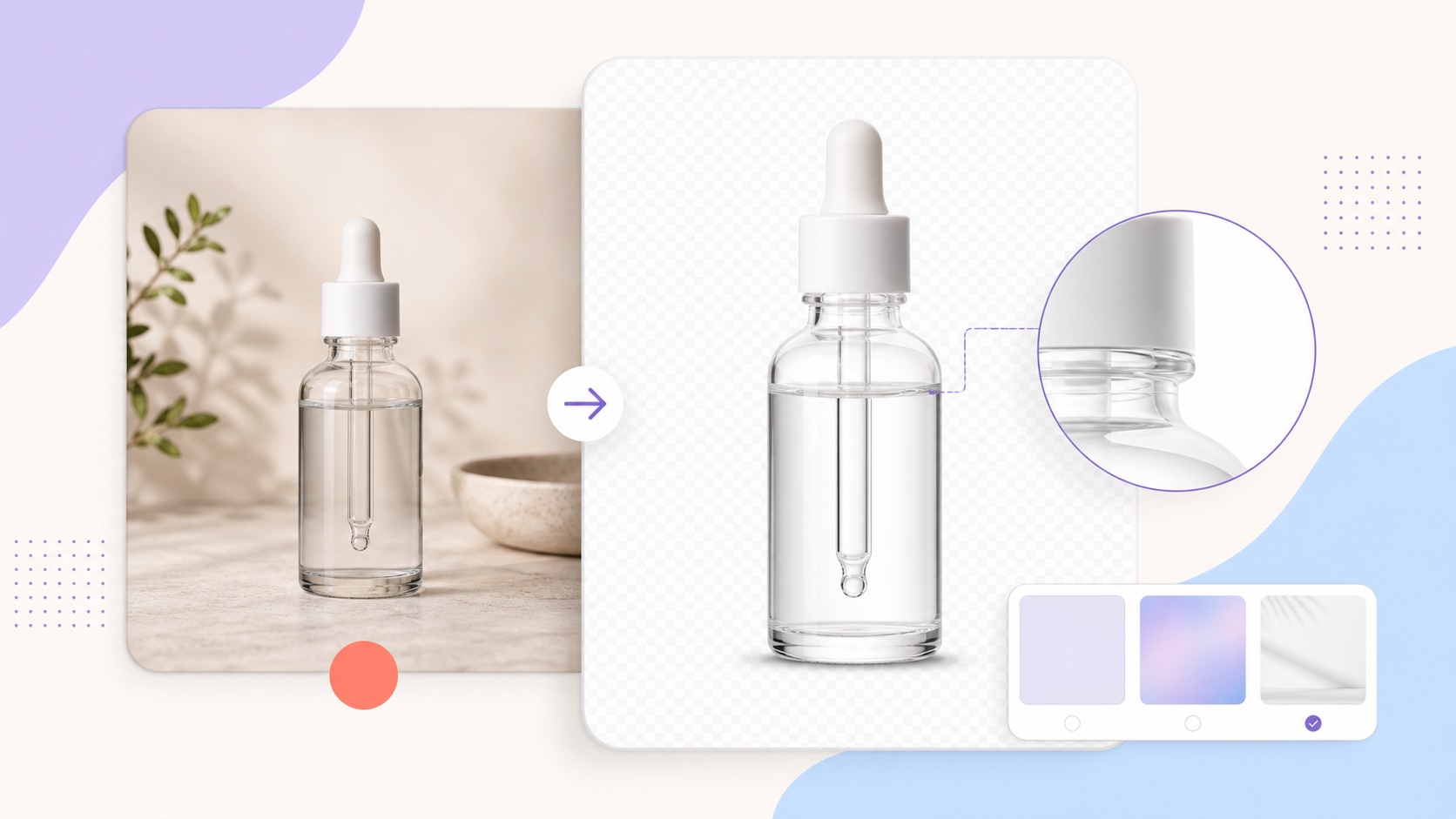 Image Cleanup
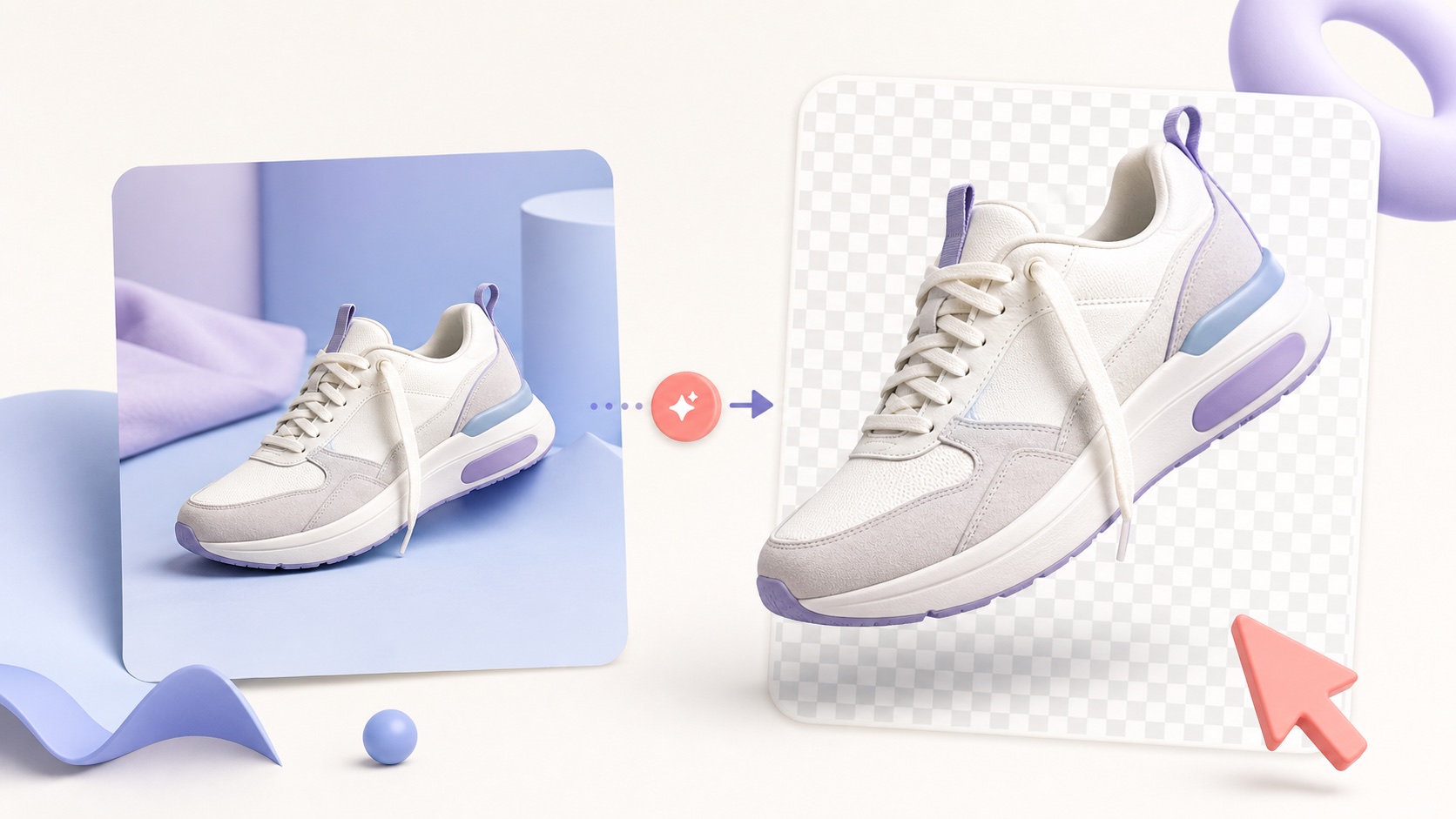 Image Cleanup
 Image Cleanup
Jump back to the tool, remove a background, and download when you are happy with the preview.