




Overlay cleanup
Remove text overlays, labels, and stickers from photos and graphics.
AI image cleanup
Upload a photo or screenshot, remove captions, subtitles, overlays, and visible text with AI, then download a cleaner image.
Examples
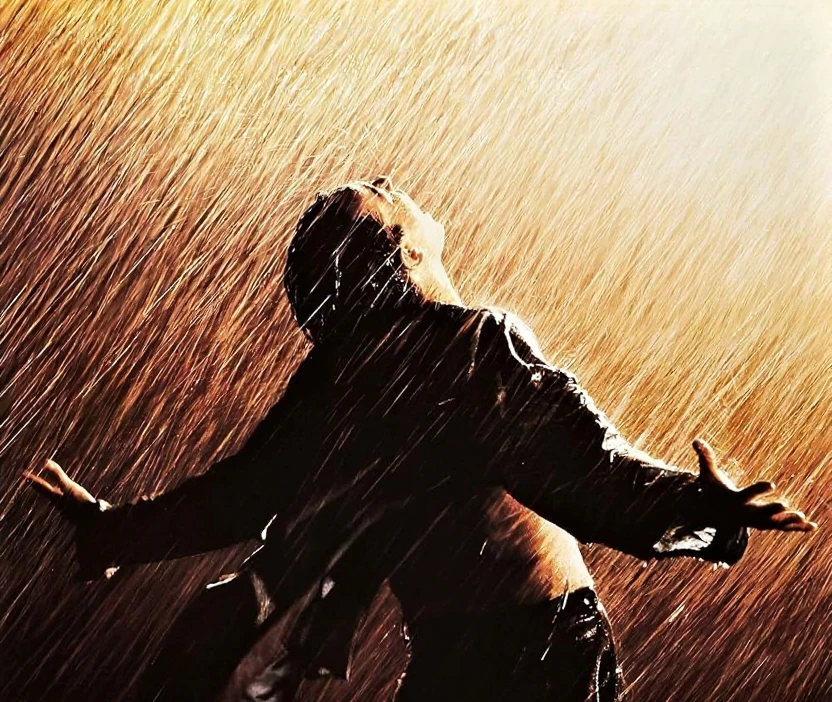
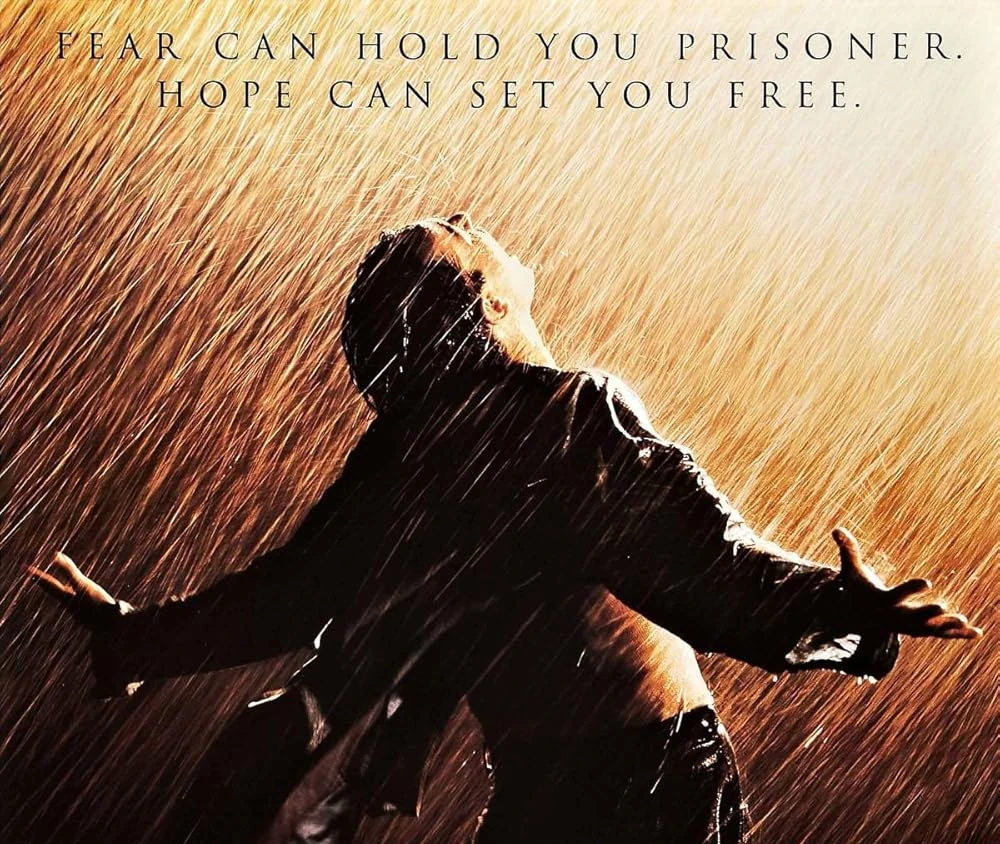
Compare before and after results on overlays, captions, and subtitles.
Text overlay cleanup
Remove visible text overlays when you need a cleaner image for reuse or layout work.
Text removal tools
Explore focused tools for subtitles, overlays, captions, and screenshot text.
Three steps from upload to export. Sign in first so uploads and credits stay tied to your account.
Choose a JPG or PNG from your device, or drag and drop into the workspace.
The model detects visible text and rebuilds the area behind it using surrounding image detail.
Review the before-and-after result on the compare slider, then download the cleaned PNG.
Core capabilities for text removal — composable with the rest of the RemoveLayer AI toolkit.
Remove text overlays, labels, and stickers from photos and graphics.
Clear subtitles and lower-thirds from screenshots and video frames.
Erase social captions and callouts while preserving the main subject.
Clean UI text from app screenshots, slides, and interface captures.
Inspect fill quality before downloading the final image.
Jump to focused pages for subtitles, overlays, captions, and screenshots.
Common questions about uploads, text cleanup, and downloads.
Removal toolkit
Background, object, text, and watermark removal share the same upload-to-download workflow — pick the tool that matches your image.
Tutorials on removing overlays, captions, and visible text from photos.
 Image Cleanup
 Image Cleanup
 Image Cleanup
Jump back to the tool, remove the visible text, and download when the result looks right.