

People removal
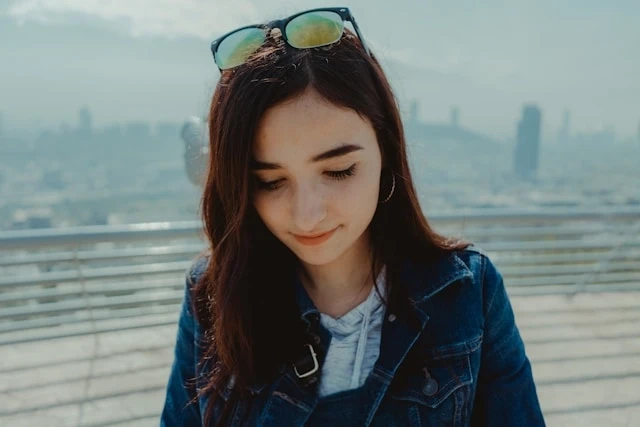
Brush over unwanted people and let AI rebuild the scene behind them.
AI photo cleanup
Upload an image, brush over people, tourists, clutter, or distractions, and let AI rebuild the scene behind them — then download a cleaned PNG.
Examples
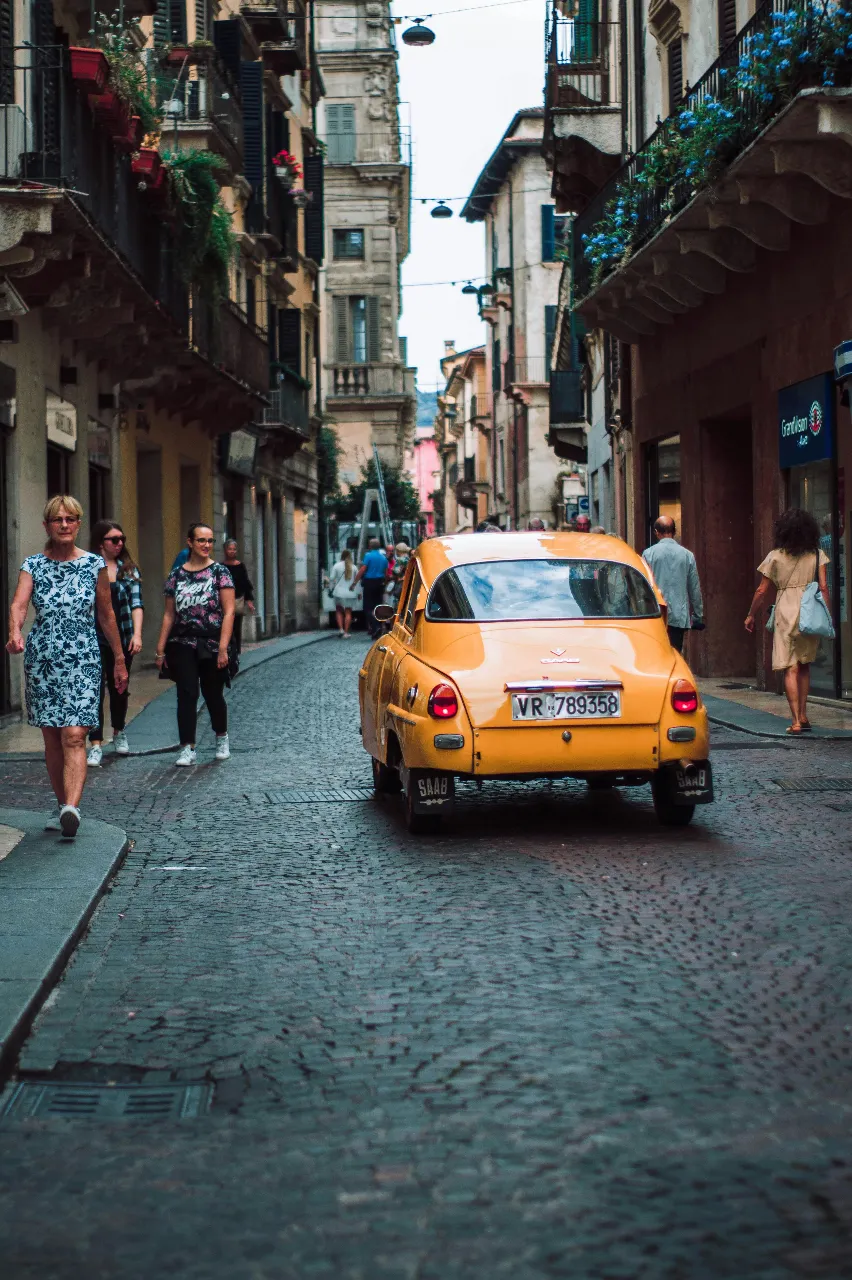
Compare before and after results when removing people, distractions, and clutter.
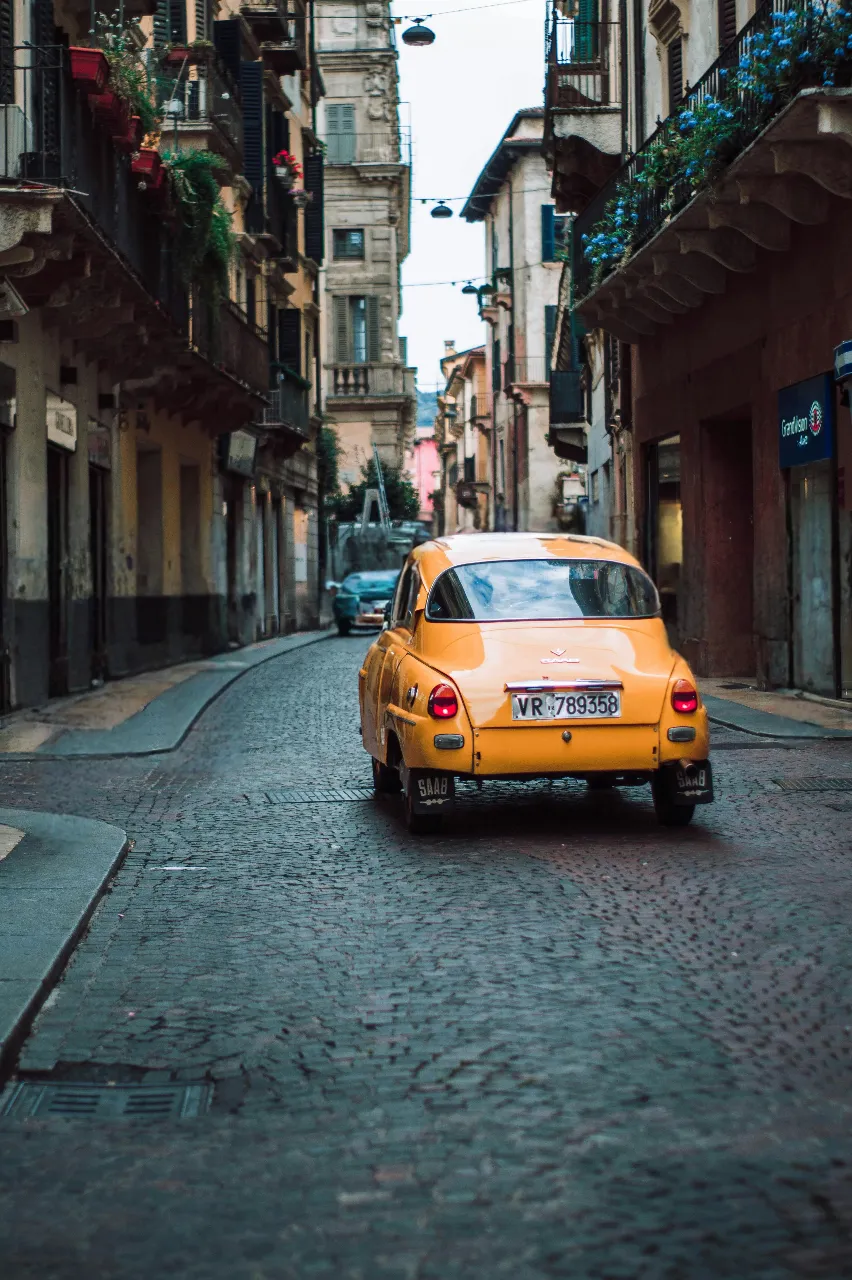
Tourist removal
Clean a travel photo by removing people who distract from the main scene.
Object removal tools
Explore focused tools for removing people, tourists, clutter, and unwanted objects from photos.
Three steps from upload to export. Sign in first so uploads and credits stay tied to your account.
Choose a JPG or PNG from your device, or drag and drop into the workspace.
Adjust the brush size and paint over the unwanted object, person, or distraction until the full area is covered.
Run the object remover, review the before-and-after result, and download the cleaned image.
Core capabilities for object removal — composable with the rest of the RemoveLayer AI toolkit.
Brush over unwanted people and let AI rebuild the scene behind them.
Clear passersby from travel photos and landmark shots.
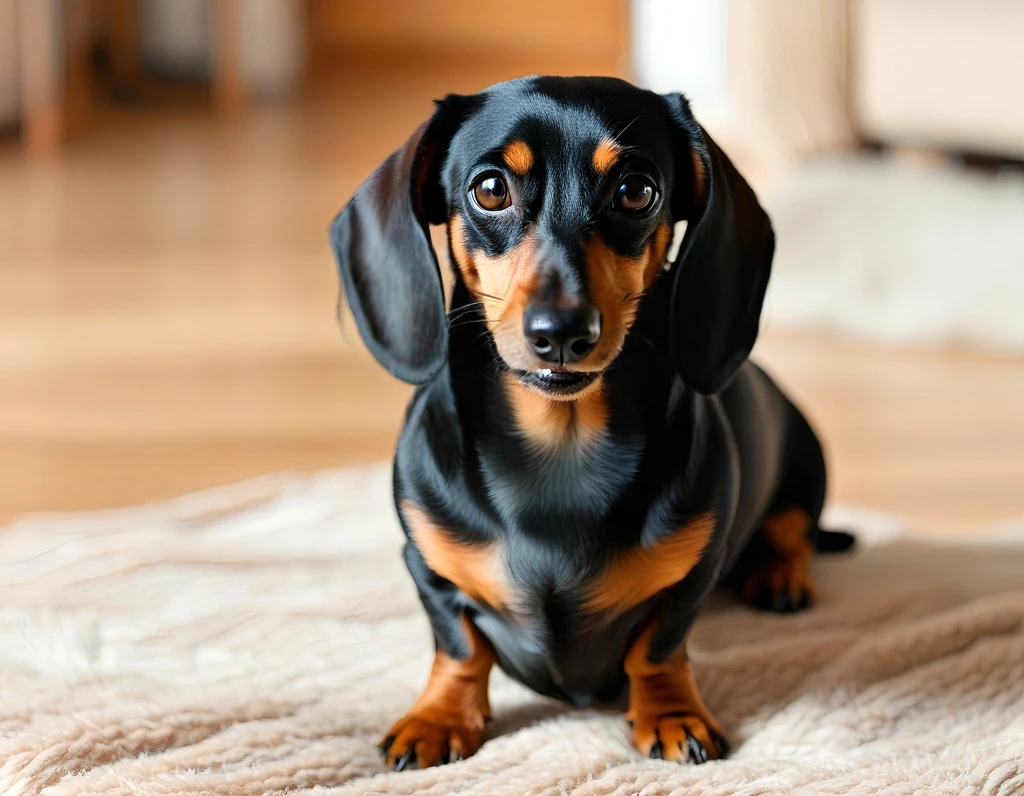
Remove clutter, small distractions, and imperfections from any image.
Erase larger distractions while preserving natural texture and lighting.
Inspect the fill quality on a slider before downloading.
Jump to focused pages for people, tourists, clutter, and general object removal.
Common questions about brushing, processing, and downloading cleaned photos.
Removal toolkit
Background, object, text, and watermark removal share the same upload-to-download workflow — pick the tool that matches your image.
Tutorials on removing distractions, clutter, and unwanted objects from images.
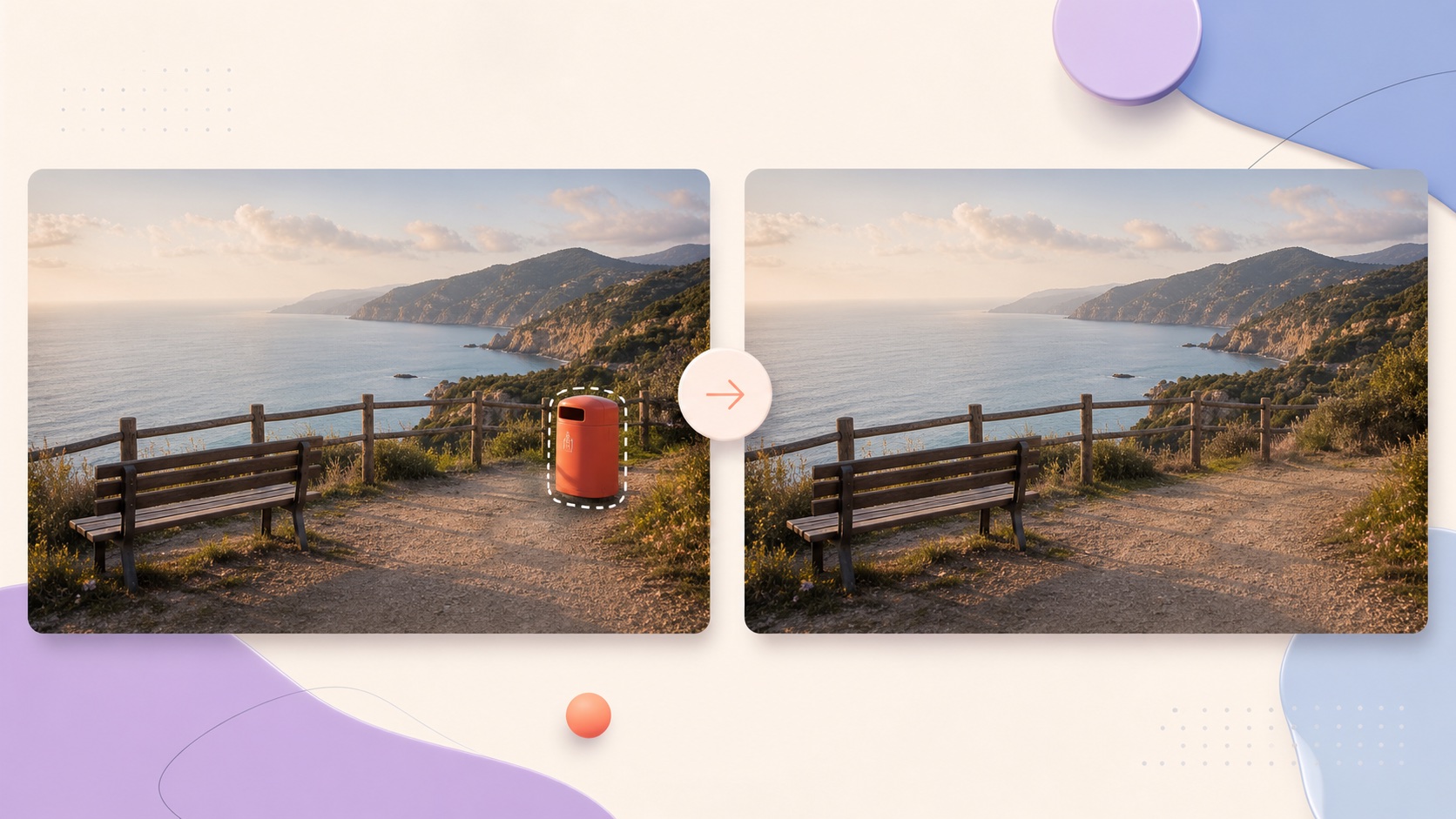 Image Cleanup
 Image Cleanup
 Image Cleanup
Jump back to the tool, brush over the distraction, and download when the result looks right.